Need help?
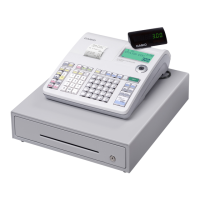
Do you have a question about the Casio SE-S100 and is the answer not in the manual?
 General
| Brand | Casio |
|---|---|
| Model | SE-S100 |
| Category | Cash Register |
| Language | English |
Explanation of symbols indicating danger, warnings, and cautions for safe operation.
Procedures for dealing with battery leaks and register malfunctions.
Guidelines for safe handling of power plugs, cords, and batteries.
Step-by-step guide for installing memory protection batteries for data retention.
Completes the process of installing the thermal paper roll correctly.
Guide to setting up language, date, time, and initial tax rates.
How to register items, handle payments, and calculate change.
How to cancel incorrect entries before or immediately after registration.
How to associate PLU items with specific departments.

 To Next Page