8D-Link DWR-978 User Manual
Section 3 - Conguration
Settings
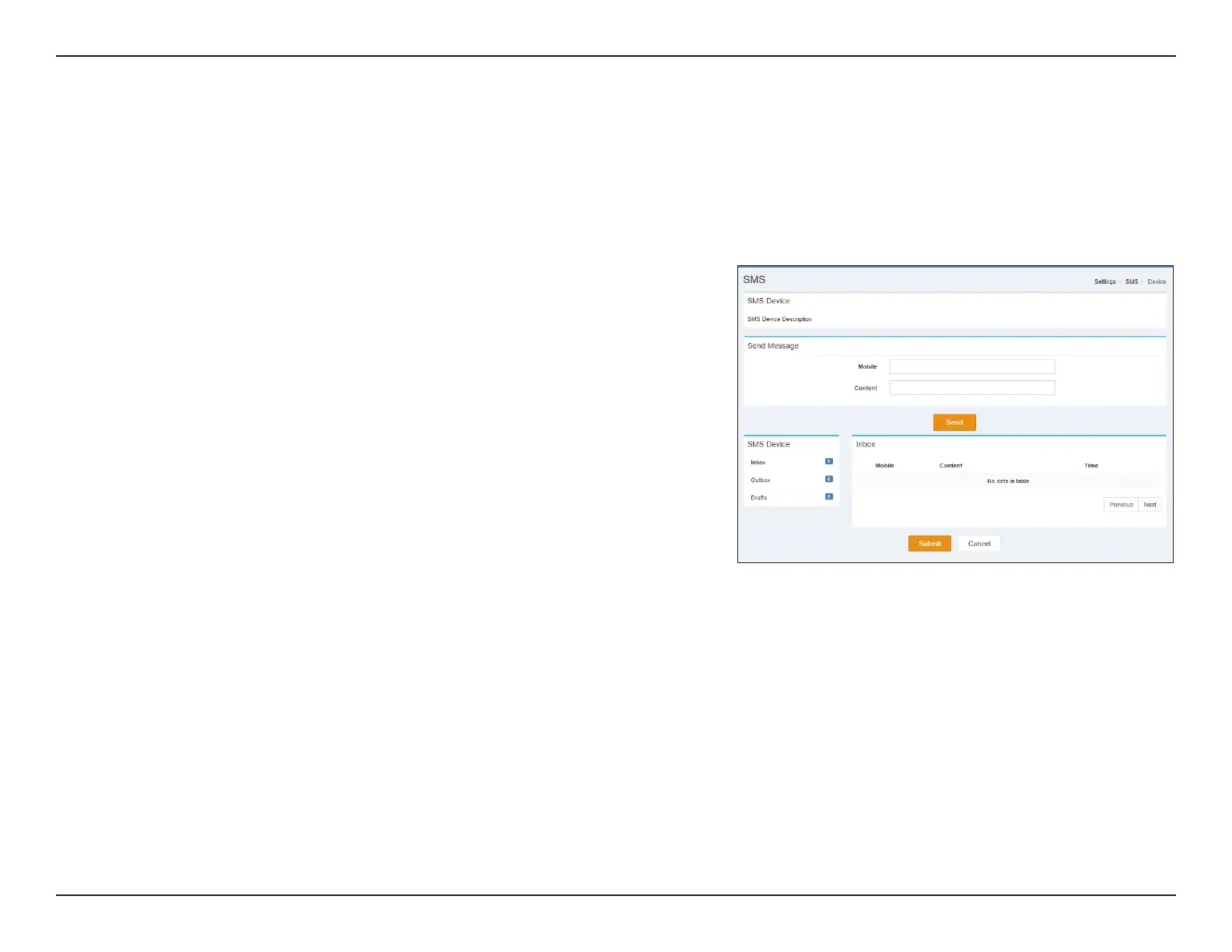
SMS Device
On the Short Messages Settings page you can organize, send and receive Short Message Service (SMS) messages by selecting between a Setup,
Inbox and Drafts tab. These messages can either be saved to the router’s internal memory or on the SIM/UICC card itself.
Send Message
Mobile: Enter the mobile number to send the message to.
Content: Enter the content you wish to send.
Click Send to send your message.
Inbox
Mobile: (Optional) Specify a password.
Content: (Optional) Should you have specied a password above, verify your
password one more time.
Time: Specify number to dial.
Click Submit to save your settings, or Cancel to revert to your previous settings.


 To Next Page
 Loading...












