36 Using Your Projector
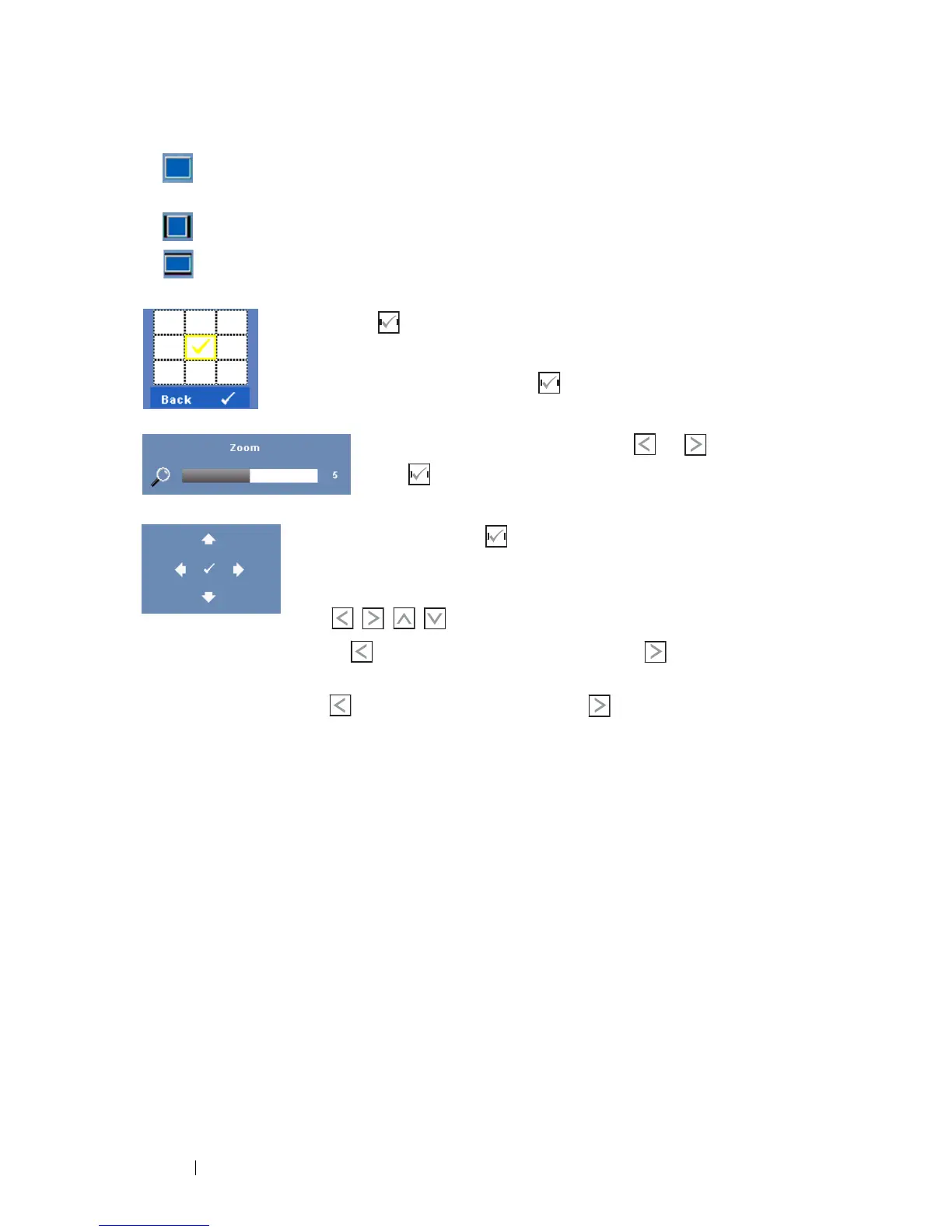
• Original — Select Original to maintain the aspect ratio of image projected
according to input source.
• 4:3 — The input source scales to fit the screen and projects a 4:3 image.
• Wide — The input source scales to fit the width of the screen to project a
wide screen image.
ZOOM—Press on the control panel or press
Enter
button on
the remote control to activate Zoom menu.
Select the area to zoom and press on the control panel or
press
Enter
button on the remote control to view zoomed image.
Adjust the image scale by pressing or and
press on the control panel or press
Enter
button
on the remote control to view.
Z
OOM NAVIGATION—Press on the control panel or press
Enter
button on the remote control to activate Zoom
Navigation menu.
Use to navigate projection screen.
HORIZONTAL POSITION—Press to move the image to the left and to move the
image to the right.
V
ERTICAL POSITION—Press to move the image down and to move the image
up.
F
REQUENCY—Allows you to change the display data clock frequency to match the
frequency of your computer graphics card. If you see a vertical flickering wave, use
Frequency control to minimize the bars. This is a coarse adjustment.
T
RACKING—Synchronize the phase of the display signal with the graphic card. If you
experience an unstable or flickering image, use Tracking to correct it. This is a fine
adjustment.


 To Next Page
 Loading...











