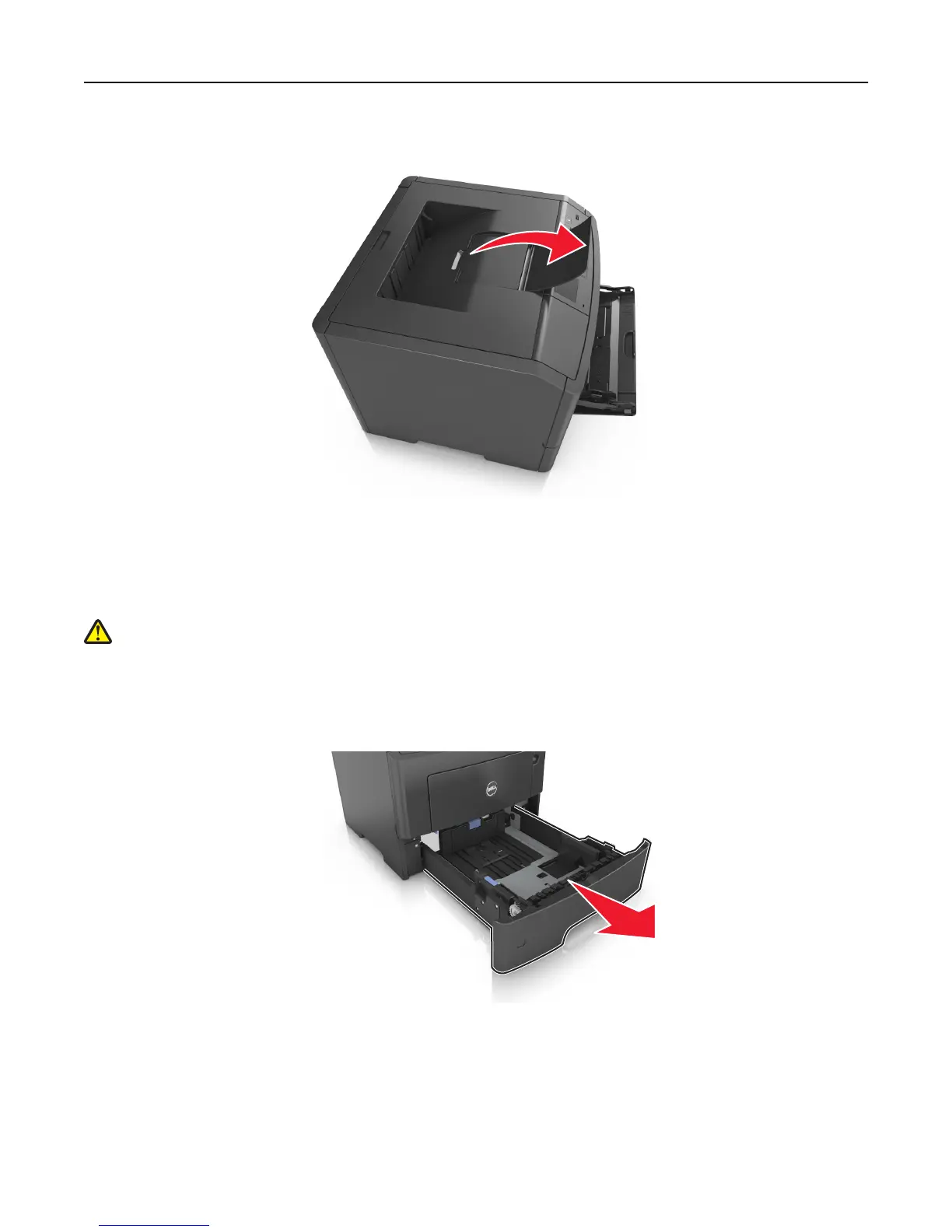
To open the paper stop, pull it so that it flips forward.
Note: Close the paper stop when moving the printer to another location.
Loading trays
CAUTION—POTENTIAL INJURY: To reduce the risk of equipment instability, load each tray separately. Keep all
other trays closed until needed.
1 Pull the tray completely out.
Note: Do not remove trays while a job prints or while Busy appears on the printer display. Doing so may cause
a jam.
Loading paper and specialty media 28


 To Next Page
 Loading...









