• If you are using a proxy server, then temporarily disable it to load the Web page correctly.
2 Click Settings > Print Settings > Quality Menu > Toner Darkness.
3 Adjust the toner darkness, and then click Submit.
Using the printer control panel
1
From the printer control panel, navigate to:
> Settings > > Print Settings > > Quality Menu > > Toner Darkness
2 Adjust the toner darkness, and then press .
Printing from a mobile device
For the list of supported mobile devices and to download a compatible mobile printing application, visit our Web site.
Note: Mobile printing applications may also be available from your mobile device manufacturer.
Printing from a flash drive
Printing from a flash drive
Notes:
• Before printing an encrypted PDF file, you will be prompted to enter the file password from the printer control
panel.
• You cannot print files for which you do not have printing permissions.
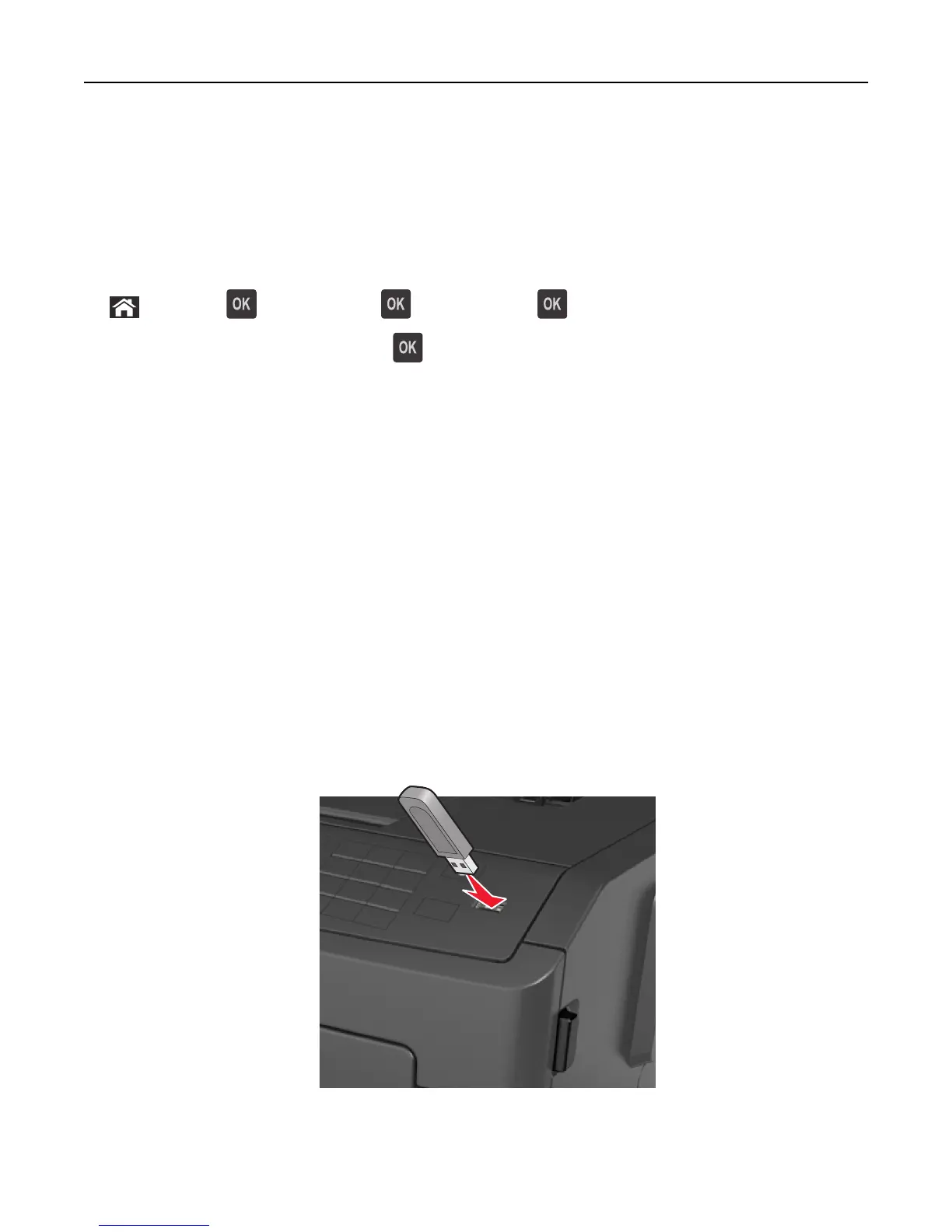
1 Insert a flash drive into the USB port.
Printing 47



 To Next Page
 Loading...








