30 Using Your Projector
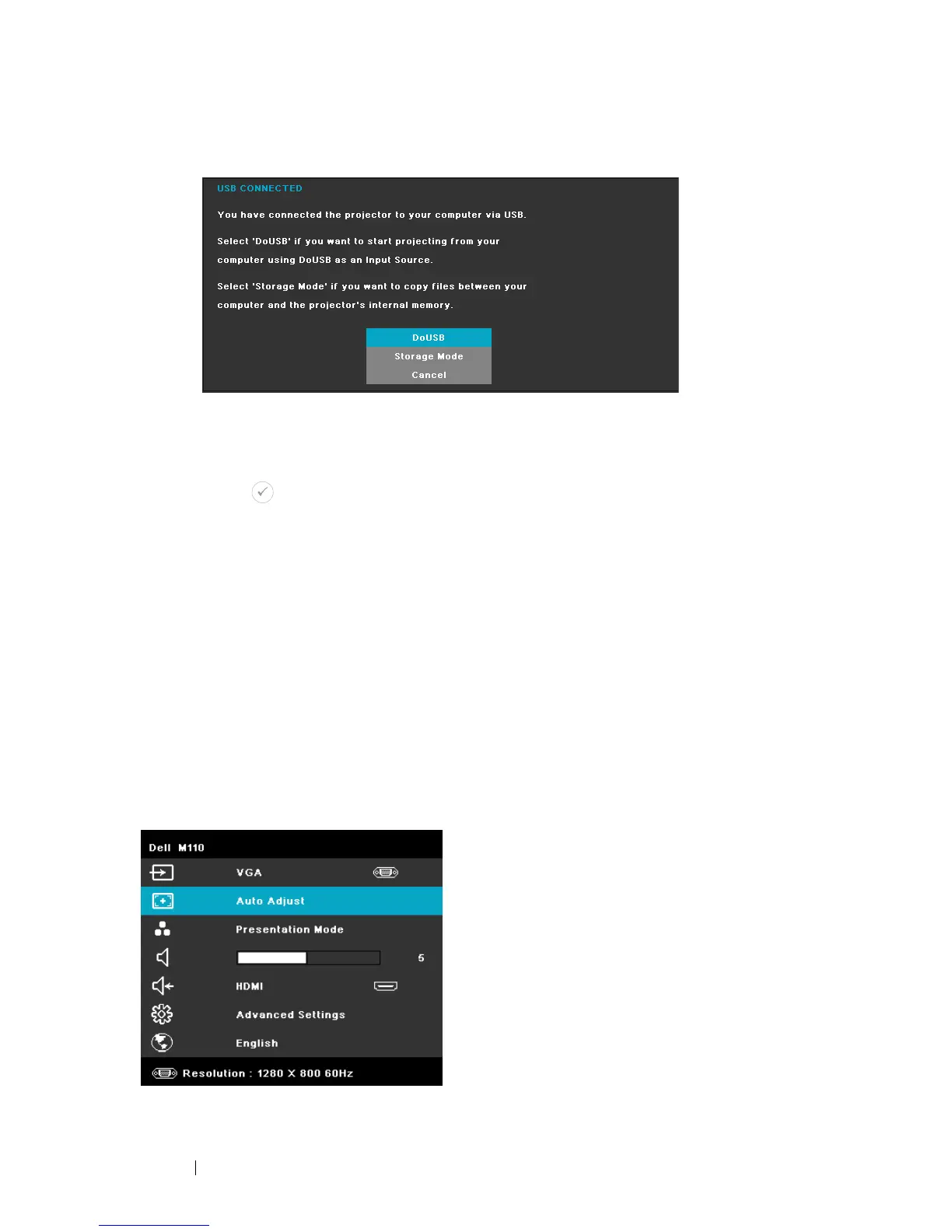
The USB Connected Screen shown below appears:
STORAGE MODE—
Allows you to execute copy, delete, move, and more
instructions from your computer (only supports microSD and
internal memory).
HDMI—Press to detect a HDMI signal.
A/V IN—Allows you to display the Audio/Video source to your projector via the
A/V cable.
USB—Allows you to playback the photo, Audio, or Video files from your USB
flash disk. See "Multi-Media Introduction" on page 43.
MICROSD—Allows you to playback the photo, Audio, or Video files from your
microSD card. See "Multi-Media Introduction" on page 43.
INTERNAL MEMORY—Allows you to playback the photo, Audio, or Video files from
internal memory of the projector. See "Multi-Media Introduction" on page 43.
AUTO ADJUST
Auto Adjust automatically adjusts the projector's Horizontal, Vertical, Frequency,
and Tracking in PC mode.


 To Next Page
 Loading...










