Follow the instruction to gather the information about the network and diagnose the network errors.
1. Turn on and sign in to Chromebook.
2. Open the Chrome browser.
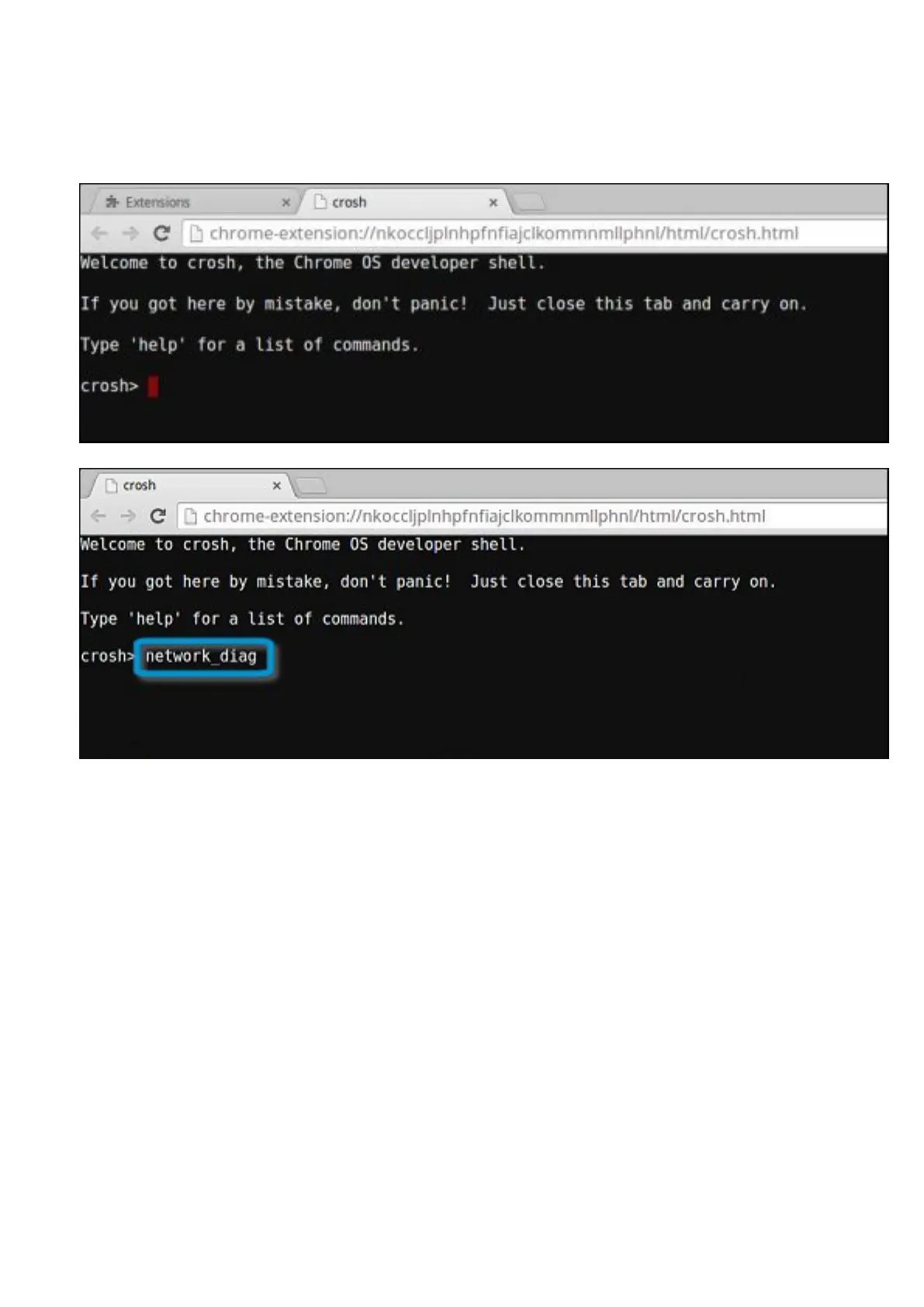
3. Press CTRL + ALT + T to open CROSH.
4. Type network_diag into CROSH, and then press Enter.
Diagnostic and troubleshooting 53


 To Next Page
 Loading...





