Disassembly and reassembly
Recommended tools
The procedures in this document require the following tools:
● Phillips #0 screwdriver
● Phillips #1 screwdriver
● Plastic scribe
NOTE: The #0 screw driver is for screws 0-1 and the #1 screw driver is for screws 2-4
Screw size list
Table 1. Screw list
Component M2.0x3.0 M2.5x7 M2.5x5.0
M2.0x2.0 Big
Head
Base cover 7
Battery 3
Heat sink 6
Solid State Drive 1
Power button card 1
Audio card 1
DC in port 2
Display hinges (On MB) 6
Touchpad bracket 1 6
Motherboard 3
Display bracket 2
Motherboard bracket 2
WiFi bracket 1
microSD card
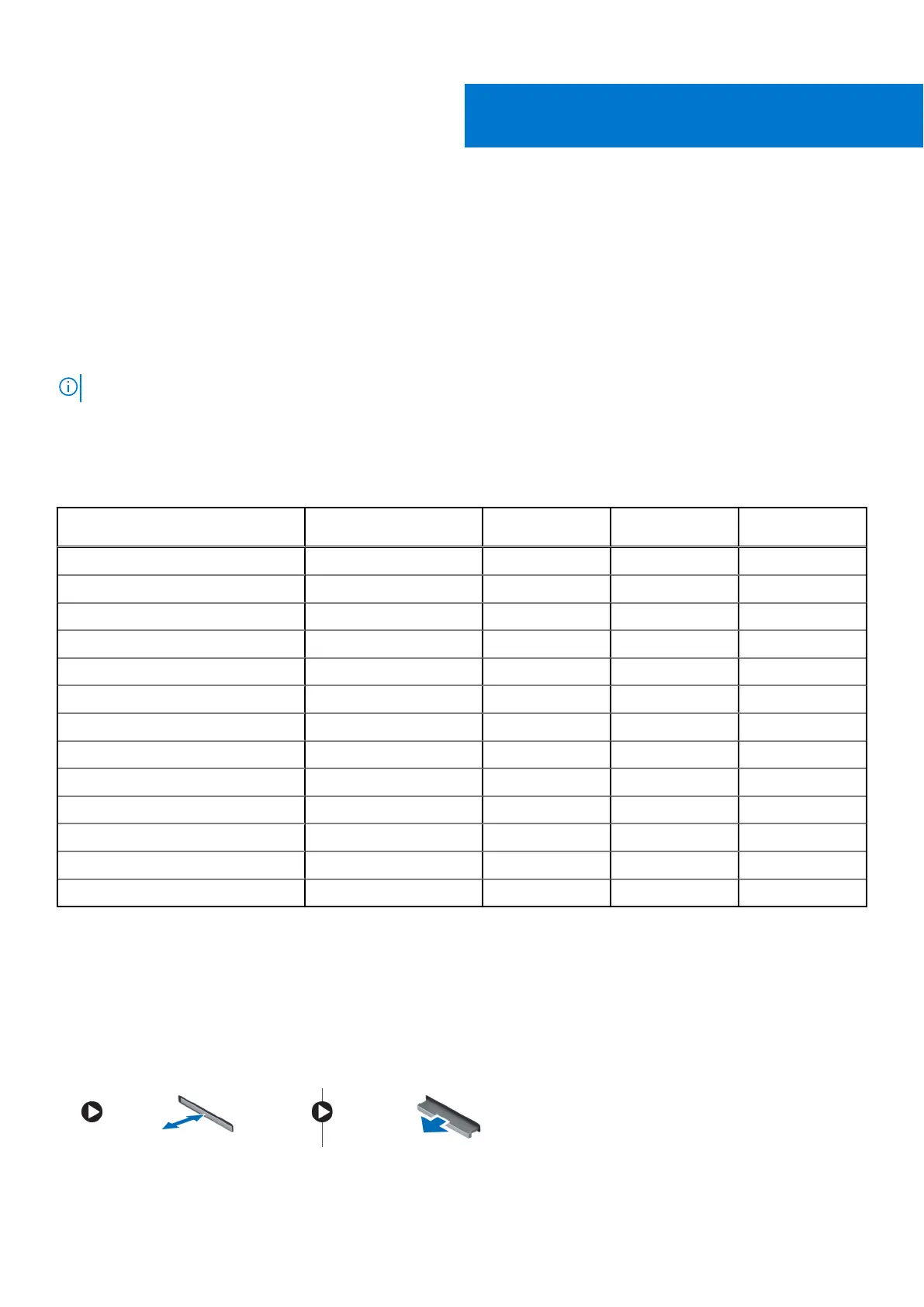
Removing microSD card
1. Follow the procedure in Before working inside your computer.
2. Press in on the microSD card to release it from the computer.
3. Remove the microSD card from the computer.
2
Disassembly and reassembly 7



 To Next Page
 Loading...




