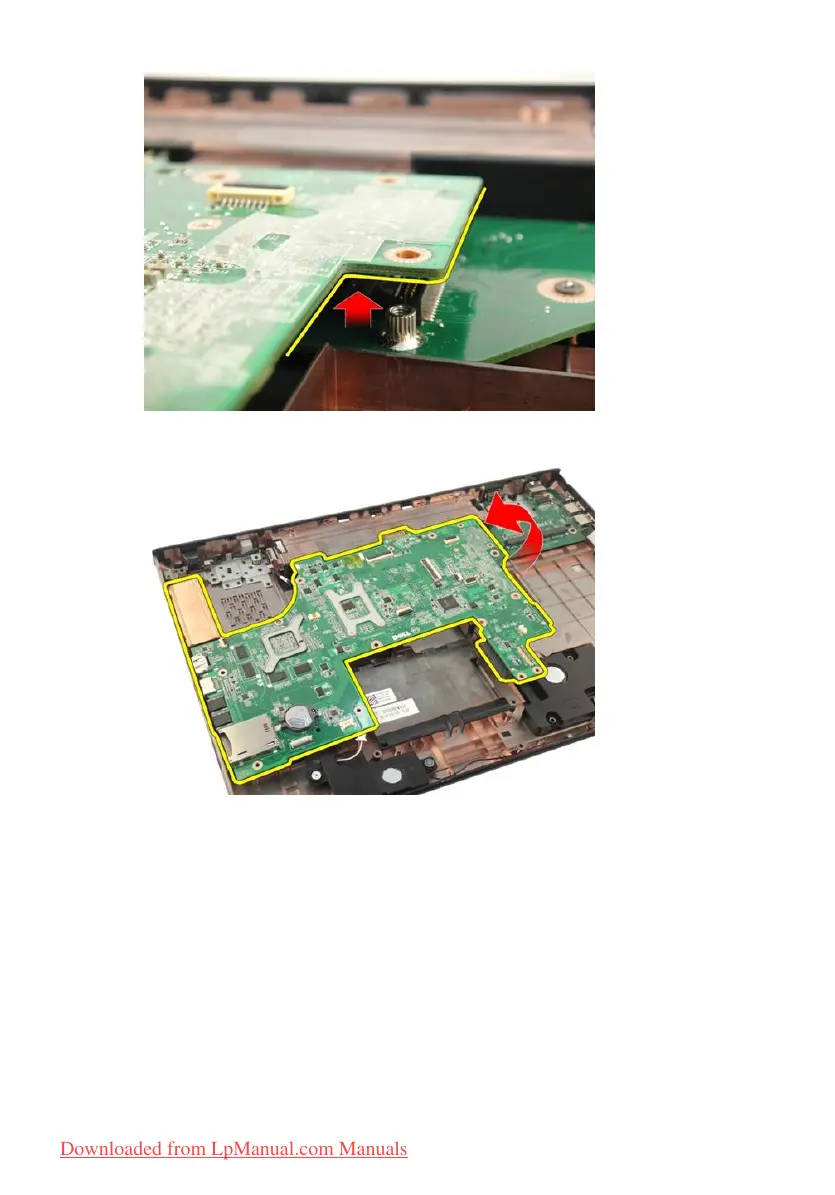
19. Lift and remove the system board from the chassis.
Installing The System Board
1. Install all the cables to the system board.
2. Install the screws securing the system board to the base of the computer.
3. Replace the speaker cable and the sub-woofer cables.
4. Install the
ExpressCard cable
.
5. Install the
system fan
.
6. Install the
display assembly
.
96
Downloaded from LpManual.com Manuals


 To Next Page
 Loading...