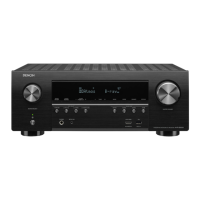
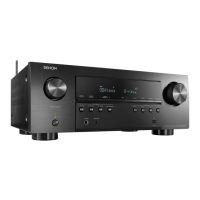
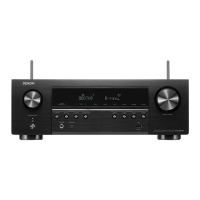
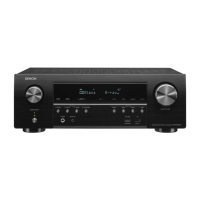
3-1. Selecting the Mode for Service-related
3-1.1. Actions
Select diagnostic mode (service path check mode), protection history display mode, 232C standby clear
mode, Operation Info mode, TUNER STEP mode or Remote ID Setup Mode.
3-1.2. Starting up
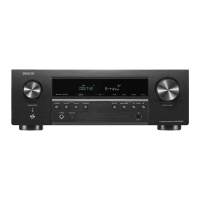
AVR-X2600H
• While holding down buttons "
ZONE2 SOURCE
", "
DIMMER
" and "
STATUS
" simultaneously, press the
power button to turn on the power.
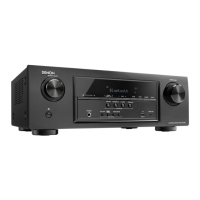
AVR-S950H
• While holding down buttons "
TUNER PRESET CH +
", "
TUNE -
" and "
TUNE +
" simultaneously, press
the power button to turn on the power.
Select the desired mode using the "
TUNER PRESET CH +/-
" button, then press the "
STATUS
" button
to conrm.
3-1.3. Displaying and Selecting Each Mode
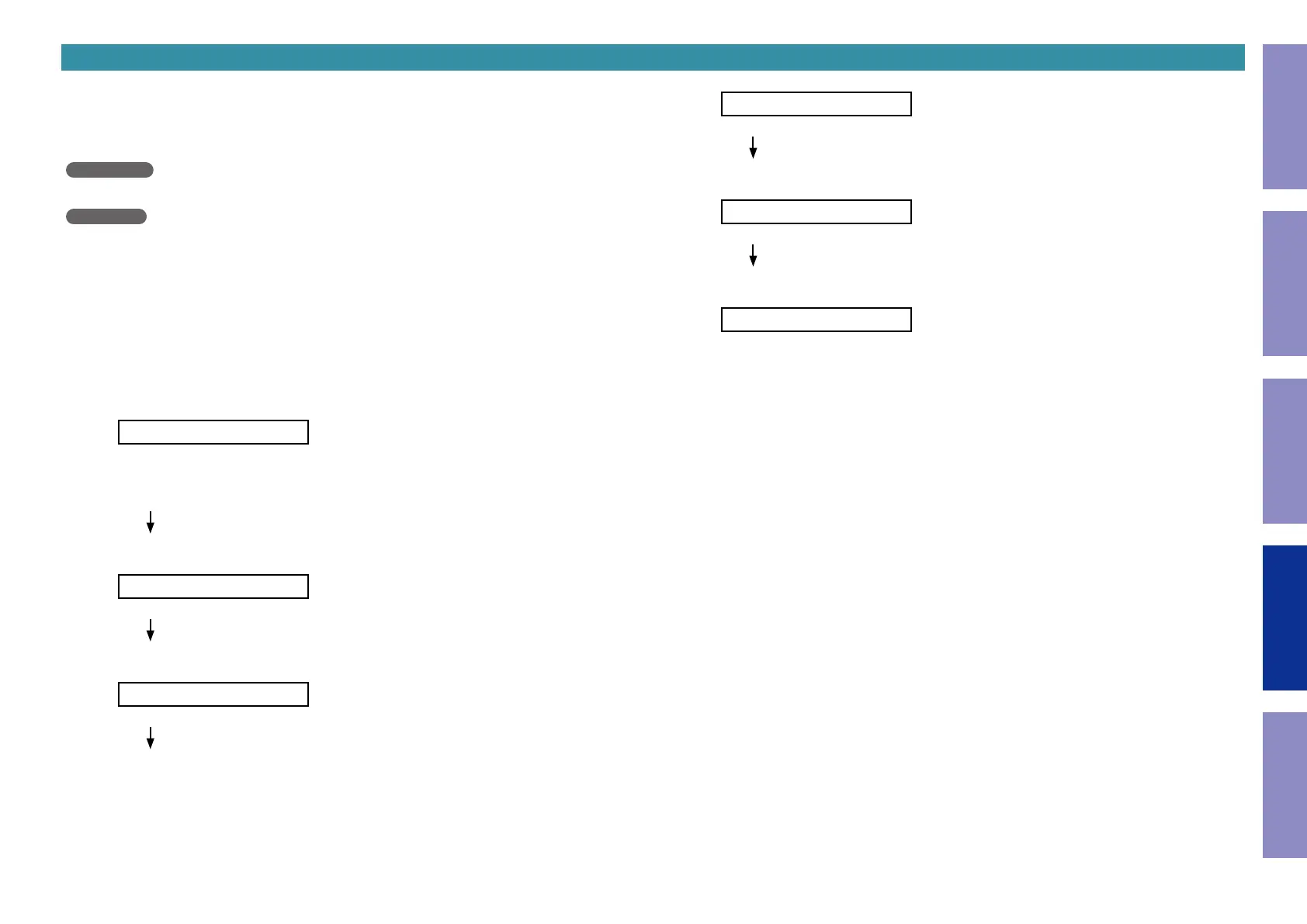
The information shown on the display switches each time the "
TUNER PRESET CH +
" button is
pressed.
Press the "
STATUS
" button to set the currently displayed mode and restart the device.
q
1.SERVICE CHECK
Service Path Check Mode:See "DIAGNOSTIC MODE"
The Video and Audio paths can be checked.
This function is convenient for conrming problem paths in the product and checking the
paths after repairing.
w
2.PROTECTION
The protection history can be checked.
e
AVR-X2600H E3 model only
3.RS232C RESET
Switches from 232C standby mode to normal standby mode.
r
4.OP INFO
Operation Info for the unit can be checked.
t
E3 and E2 model only
5.TUNER FRQ SET
Enables reception STEP of the ANALOG TUNER to be changed.
y
6.REMOTE ID
This function is for operating only the desired AV receiver.
3-1.4. Canceling the selected mode
Press the power button to turn off the power.
Before Servicing
This Unit
Electrical Mechanical Repair Information Updating
132


 To Next Page
 Loading...