48
If you choose the level „Off“, the water temperature has the temperature of the inlet
water.
> Press the „Temperature“ button
14
on the remote control until the indicator light is
at „Water“.
> Press the „Increase function“ button
12
or „Decrease function“ button
13
on the
remote control.
You can now use these buttons
to set the suitable water temperature.
7.4 Warm air dryer
Activating / deactivating warm air dryer
> Press the “Warm air dryer” button
8
on the remote control.
The warm air dryer function is activated.
> Press the “Stop” button
9
on the remote control.
The current function is terminated immediately.
Adjusting the warm air dryer temperature
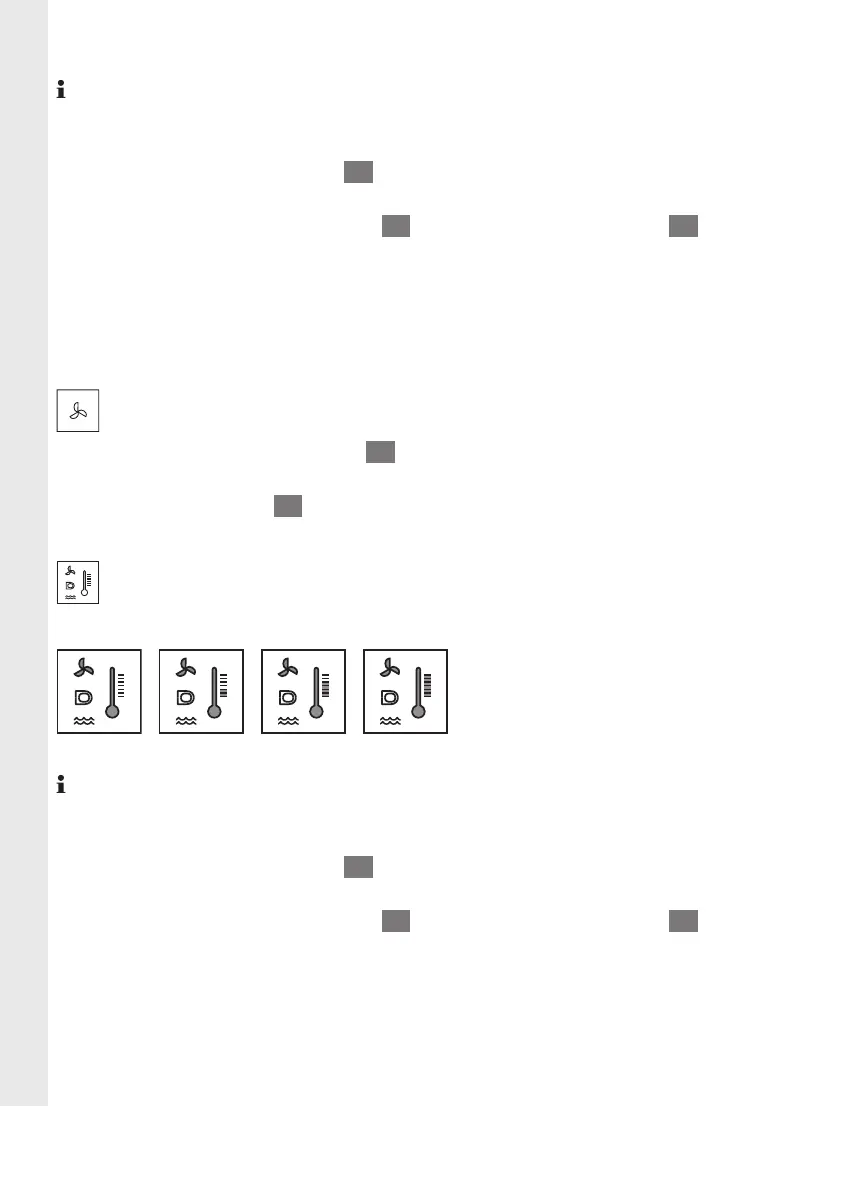
The warm air dryer temperature can be individually adjusted in 4 levels:
> > >
Off Low Medium High
If you choose the level „Off“, the warm air dryer temperature has the temperature of
the inlet air.
> Press the „Temperature“ button
14
on the remote control until the indicator light is
at „Warm air dryer“.
> Press the „Increase function“ button
12
or „Decrease function“ button
13
on the
remote control.
You can now use these buttons
to set the suitable warm air dryer temperature.
EN


 To Next Page
 Loading...