Connecting a Computer to the ScanSnap via a Wireless Access
Point
Preparation
Connect the computer to a wireless access point that is to be used when connecting the computer
to the ScanSnap.
For a successful connection, the following information of the wireless access point is required:
l Network name (SSID)
l Security key (password)
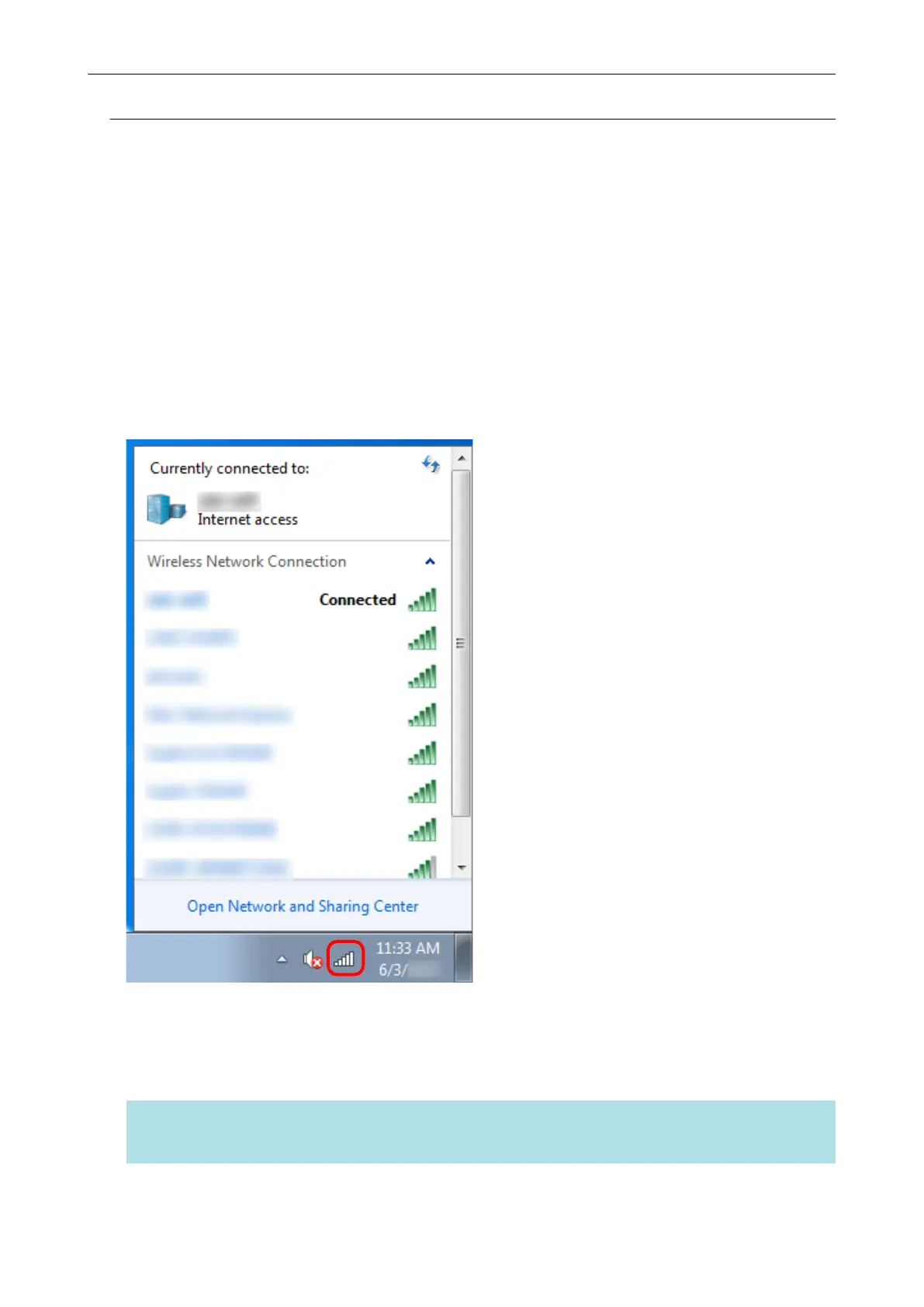
In the window shown below, you can check or change the network the computer is connected to:
Connection Method
This method assumes that ScanSnap Manager is not installed on the computer that is to be
connected to the ScanSnap. Install ScanSnap Manager from the Setup DVD-ROM and follow the
Wireless Network Setup Wizard that appears after the installation is complete.
HINT
Be careful not to close the ADF paper chute (cover) of the ScanSnap.
Network Connection
13


 To Next Page
 Loading...













