Garmin aera 795/796 Quick Reference Guide
190-01194-01 Rev. A
7
Overview
Overview GPS Navigation Flight Planning Hazard Avoidance Utilities Appendix Index
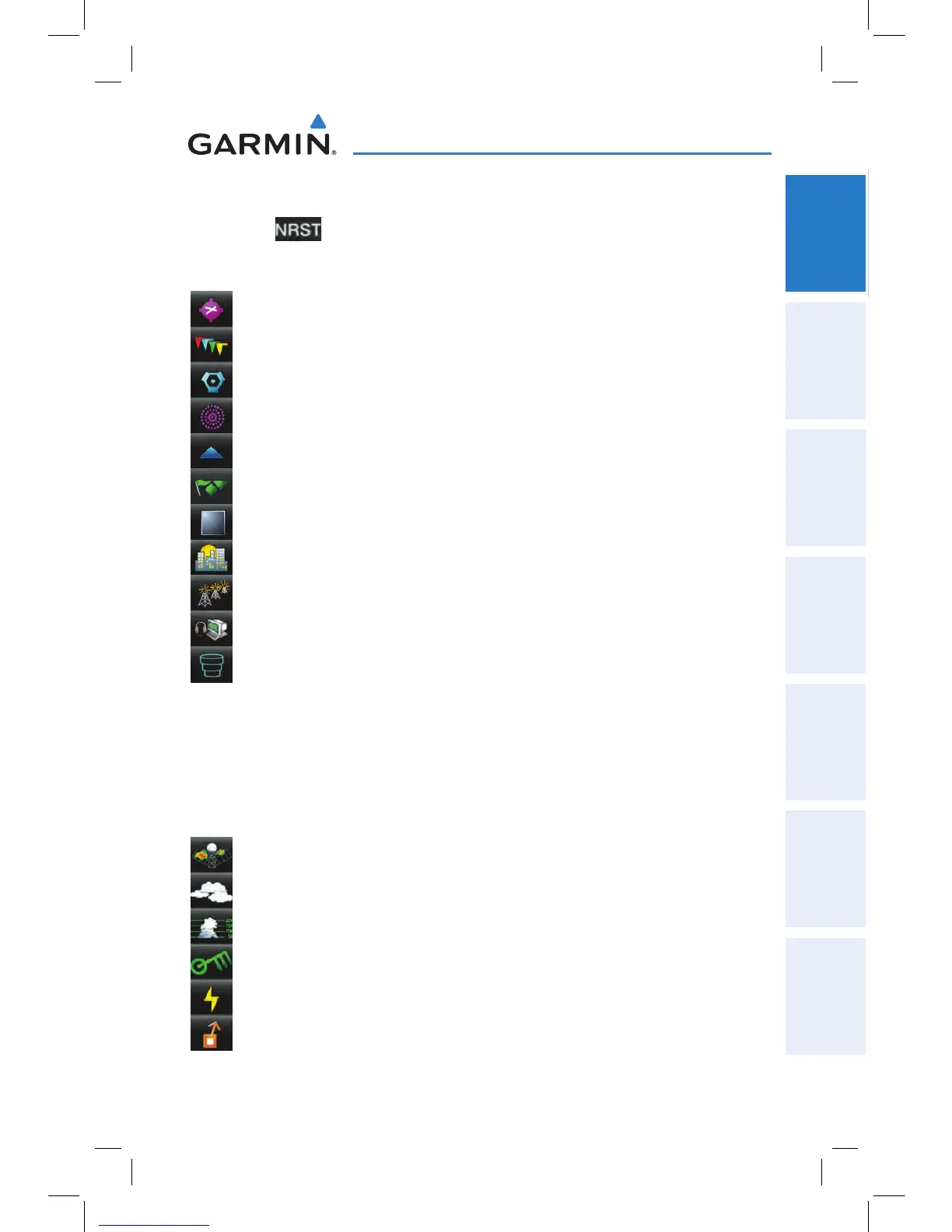
NEAREST ICONS
Touch the
icon at any time to access the second-level Nearest icons.
Touch the following icons to display the associated function:
Airport Displays nearest airports.
Airport WX Displays nearest airport weather.
VOR Displays nearest VORs.
NDB Displays nearest NDBs.
Intersection Displays nearest intersections.
VRP Displays nearest Visual Reporting Point (VRP) (Atlantic).
User WPT Displays nearest user waypoints.
City Displays nearest cities.
ARTCC Displays nearest ARTCCs.
FSS Displays nearest Flight Service Stations (FSS).
Airspace Displays nearest airspace.
WEATHER ICONS (aera 796)
From the Main Menu, touch the
Weather icon to access the second-level Weather
Icons.
Touch the following second-level Icons to display the weather product:
NEXRAD Displays NEXRAD (NEXt-generation RADar).
Satellite Displays Satellite Mosaic cloud cover.
Echo Tops Displays Echo Tops.
Winds Displays Winds Aloft.
Lightning Displays Lightning.
Storm Cells Displays Storm Cells.


 To Next Page
 Loading...