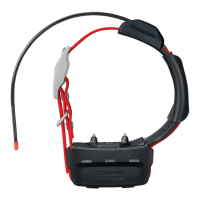
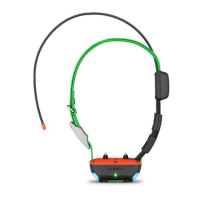
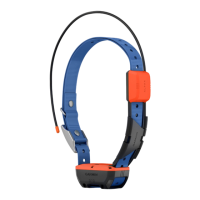
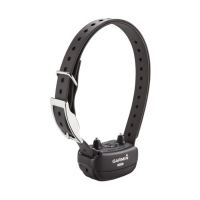
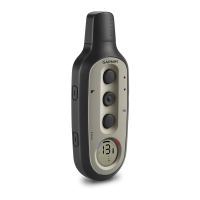
Charging the Dog Collar Device
NOTICE
To prevent corrosion, thoroughly dry the contacts on the collar and the surrounding area before connecting the
charging clip.
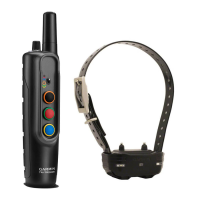
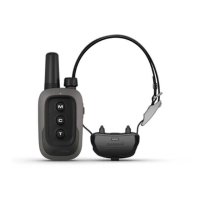
NOTE: Your dog collar device may look different than the device pictured.
You should fully charge the battery before you use the device for the first time. Charging a fully depleted battery
takes about five hours.
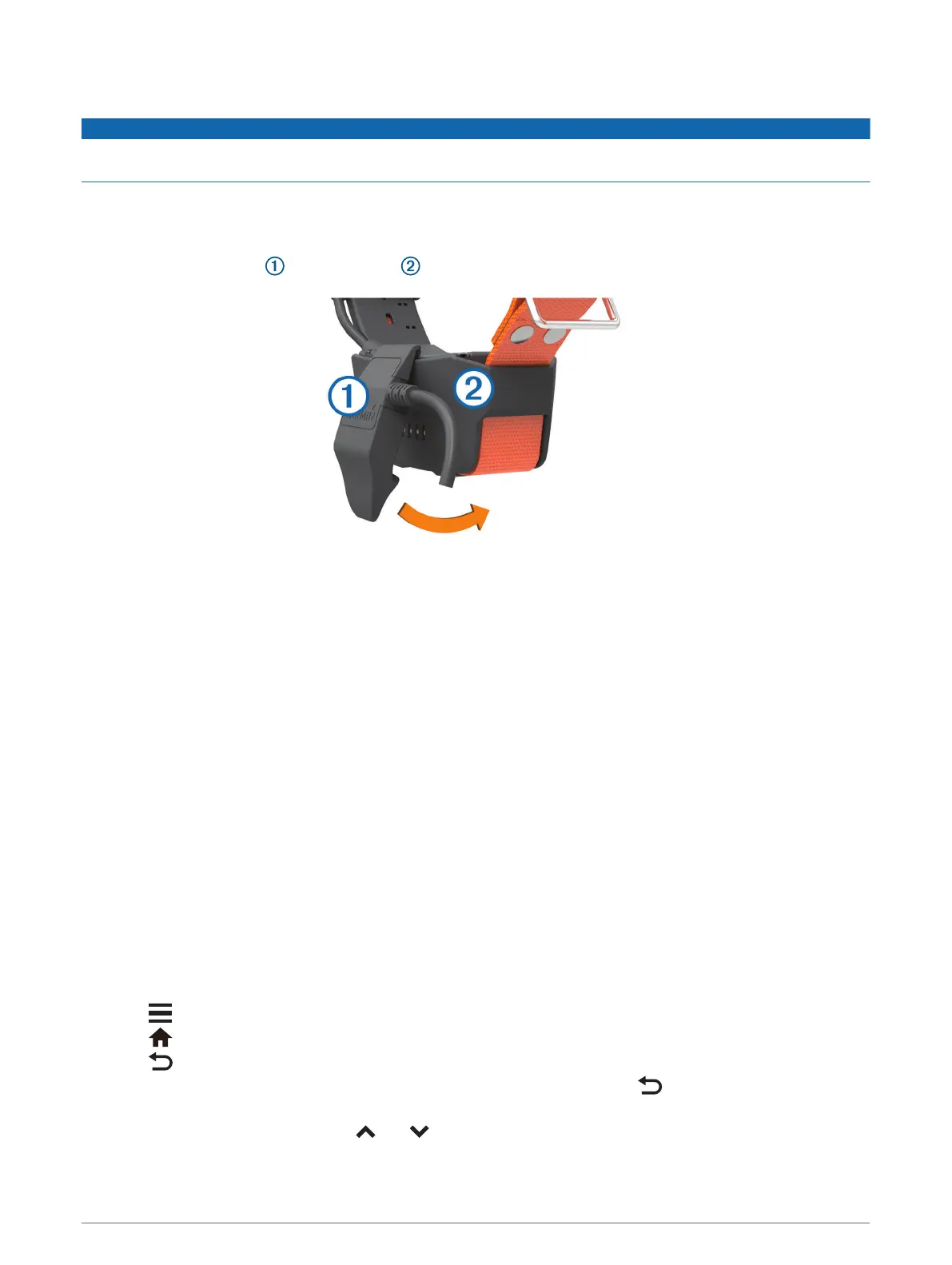
1 Snap the charging clip onto the device .
2 Plug the small end of the power cable into the mini-USB port on the charging clip cable.
3 Plug the power cable into a power source.
The status LED is solid red when the collar is charging.
4 After the status LED turns solid green, remove the charging clip from the collar.
Turning On the Device
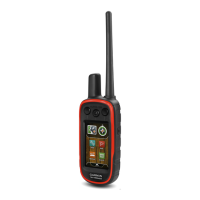
• On the handheld device, press the power key.
• On the dog collar device, hold the power key until the status LED flashes and the collar beeps.
Turning Off the Device
• On the handheld device, hold the power key until the LCD screen turns off.
• On the dog collar device, hold the power key until the status LED turns red.
Selecting a Language
When you turn on your device for the first time, you will select the device language from a list of available
languages. You can change the language setting from the System settings.
1 From the main menu, select Setup > System > Language.
2 Select a language.
Using the Touchscreen
• Select to open a menu.
• Select to return to the home screen.
• Select to return to the previous page.
• If you are more than one menu away from the home screen, select and hold to return to the home
screen.
• If scroll controls are enabled, select and to scroll (Accessibility Settings, page 29).
6 Getting Started


 To Next Page
 Loading...