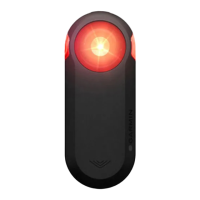
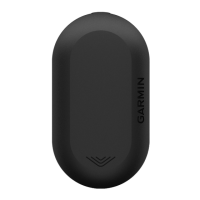
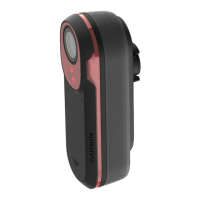
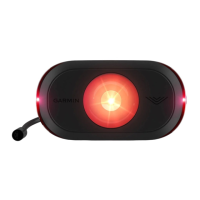
Turning On the Taillight
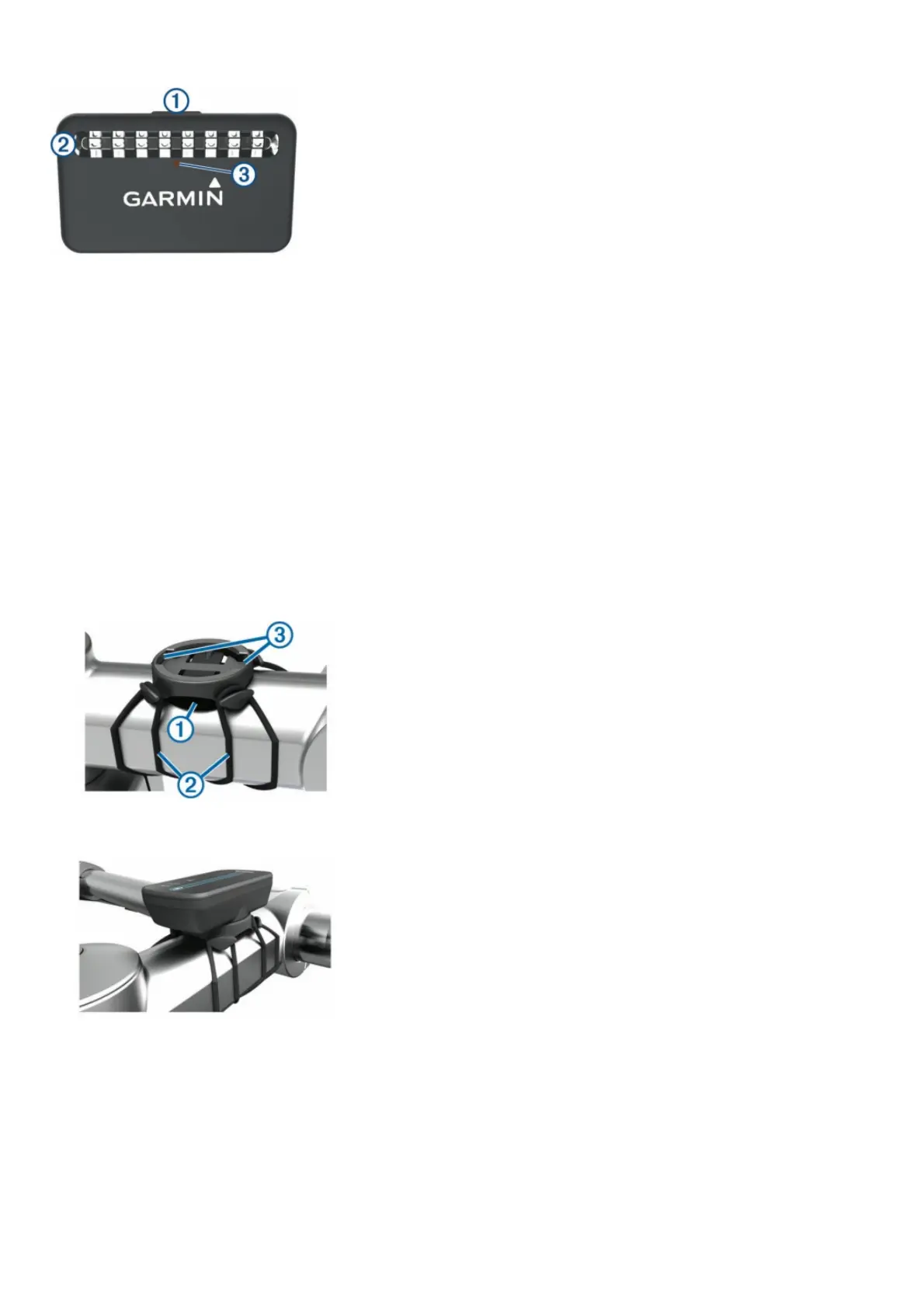
Hold the device key (1) for 2 seconds.
The taillight LEDs (2) fill horizontally to indicate the battery level. The status LED (3) indicates additional device information.
Taillight Battery Status LED
LED Activity Status
Flashing green The device is charging.
Solid green Charging is complete.
Solid yellow The battery is low.
Solid red The battery is critically low. An error occurred while charging.
Turning Off the Taillight
Hold the device key for 2 seconds
Installing the Varia RDU Device
NOTE: If you do not have a Varia RDU device, you can skip this
task and use a compatible Edge device (Pairing the Taillight with
Your Edge 1000, page 3).
1. You can install the device on the stem or the handlebars. 1 Select a secure location to mount the device where it does not interfere with the safe operation of your bike.
2. Place the rubber disk (1) on the back of the bike mount. The rubber tabs align with the back of the bike mount so it stays in place.
3. Place the bike mount on the bike stem.
4. Attach the bike mount securely using the two bands .
5. Align the tabs on the back of the device with the bike mount notches .
6. Press down slightly and turn the device clockwise until it locks into place.



 To Next Page
 Loading...