36
08 System Commissioning
User Manual V1.1-2022-07-20
8.2 Setting Inverter Parameters via LCD
NOTICE
• The screen shots are for reference only. The actual display may dier.
• The name, range, and default value of the parameters is subject to change or adjust. The
actual display prevails.
• the power parameters should be set by professionals to prevent the generating capacity
from being inuenced by wrong parameters.
Stop pressing the button for a period in any page, the LCD will get dark and go back to the initial
page, which means the parameter in that page has been saved successfully.
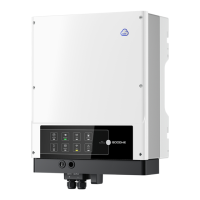
LCD Button Description



 To Next Page
 Loading...