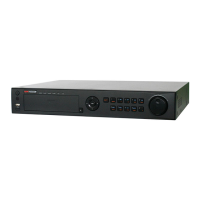
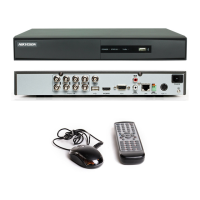
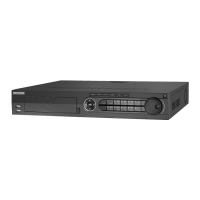
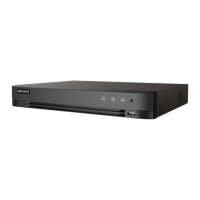
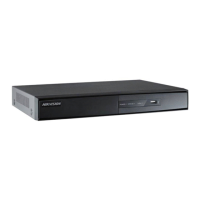
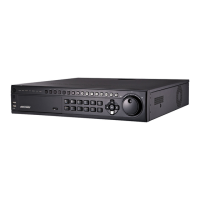
User Manual of DS-7200/7300/8100 Series DVR
198
12.5 Restoring Default Settings
Steps:
1. Enter the Default interface.
Menu > Maintenance > Default
Figure 12. 10 Restore Factory Default
2. Click the OK button to restore the default settings.
Except the network parameters (including IP address, subnet mask, gateway, MTU and server port), all other
parameters of the device will be restored to factory default settings.


 To Next Page
 Loading...