Video Intercom Door Station·User Manual
32
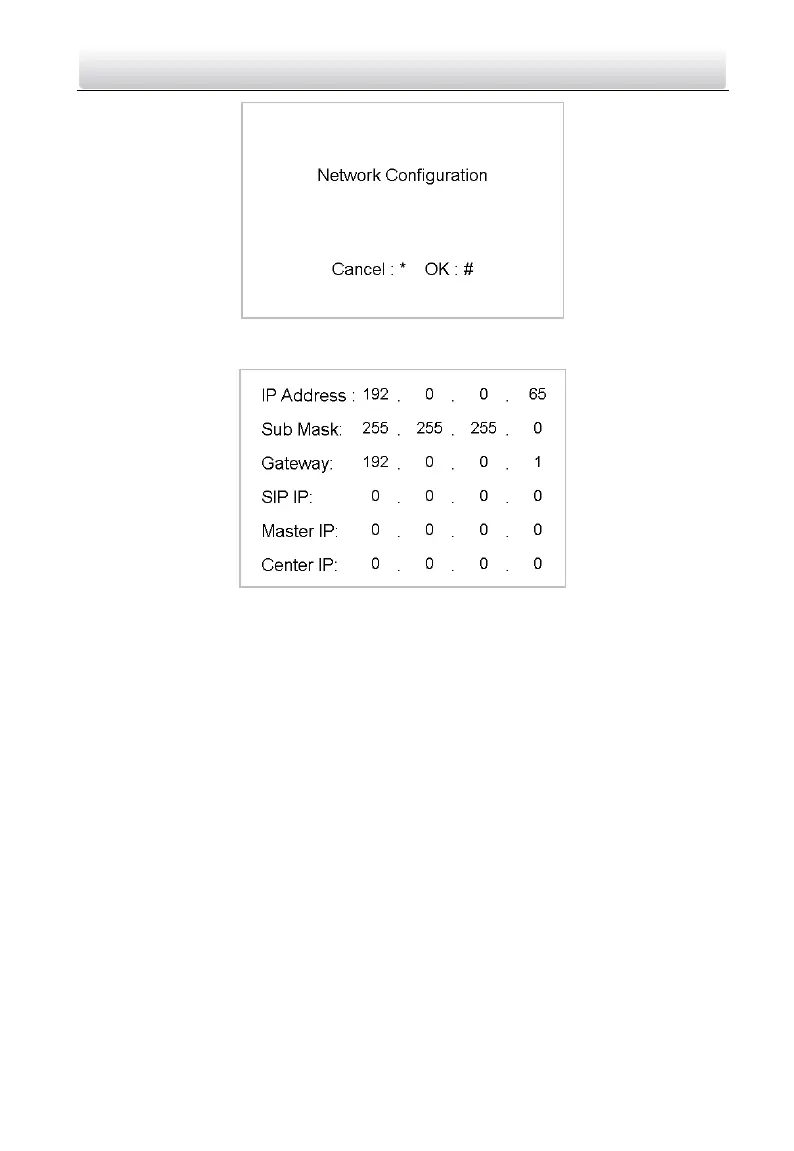
Figure 7-7 Network Configuration Interface
2) Press the # key to enter the network parameters settings interface.
Figure 7-8 Network Parameters Settings Interface
2. Edit network parameters.
1) Move the cursor to parameters to be configured.
2) Press the # key to enter or exit the editing mode.
3. Press the * key to exit the network configuration interface after accomplishing
network parameters settings.
7.3.3 Changing Password
Purpose:
The default admin password is 888999. You should change the password for the security
sake.
Steps:
1. Enter the password settings interface.
1) Press the number keys 4 and 6 to switch to the password settings interface



 To Next Page
 Loading...









