3 Disconnecting the port replicator
To disconnect the port replicator from the computer, follow these steps:
1. Click the Safely Remove Hardware icon in the Notification area, at the far right of the taskbar.
2. Click Safely Remove USB Docking Station. The Safe to Remove Hardware message is
displayed.
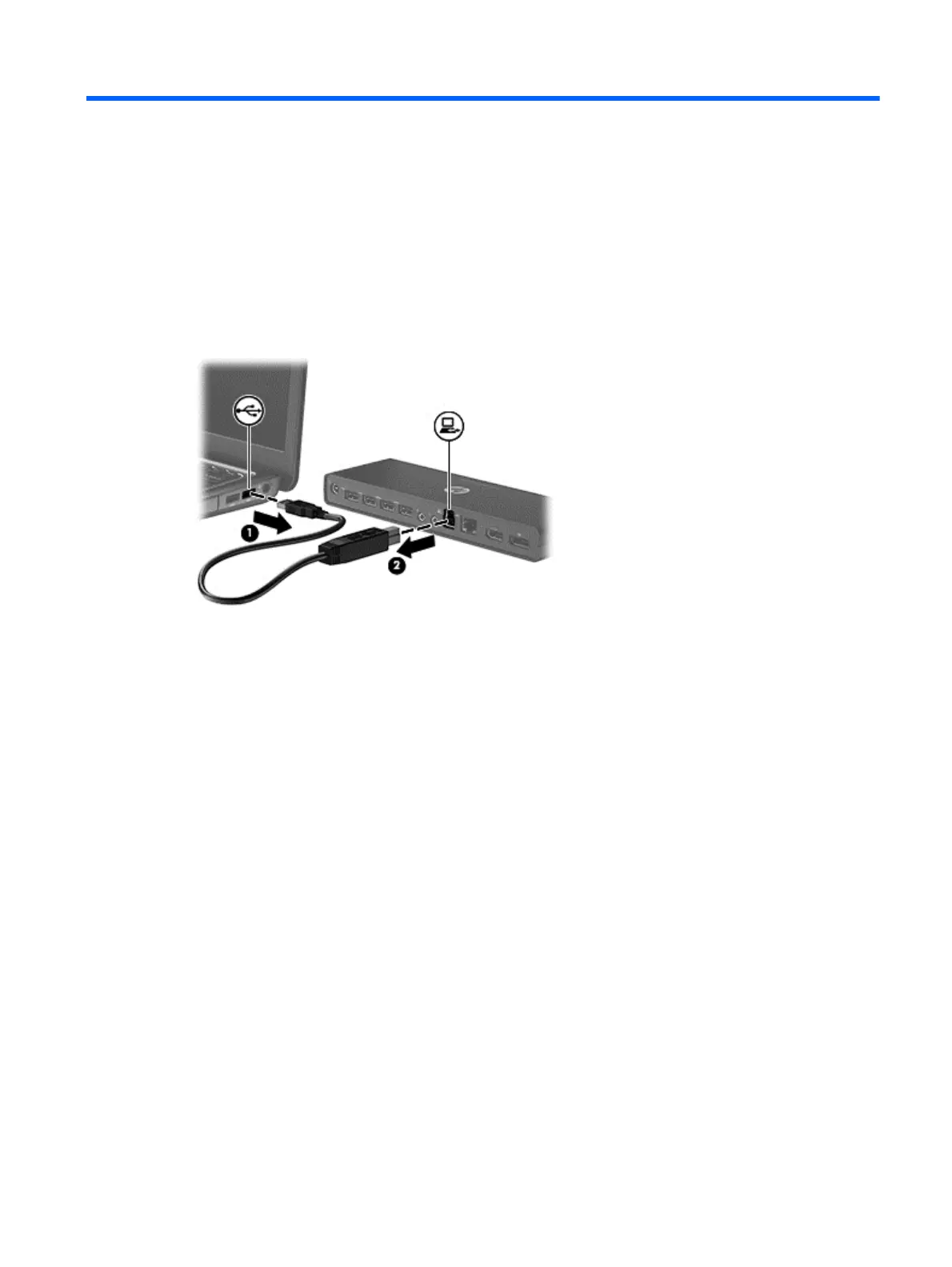
3. Disconnect the USB cable from the computer (1) and then disconnect the port replicator (2).
15


 To Next Page
 Loading...