Terra Online Help_V1.0
Terra Online Help_V1.0 1 Getting started
Issue 01 (2018-11-19) Copyright © Huawei Technologies Co., Ltd. 11
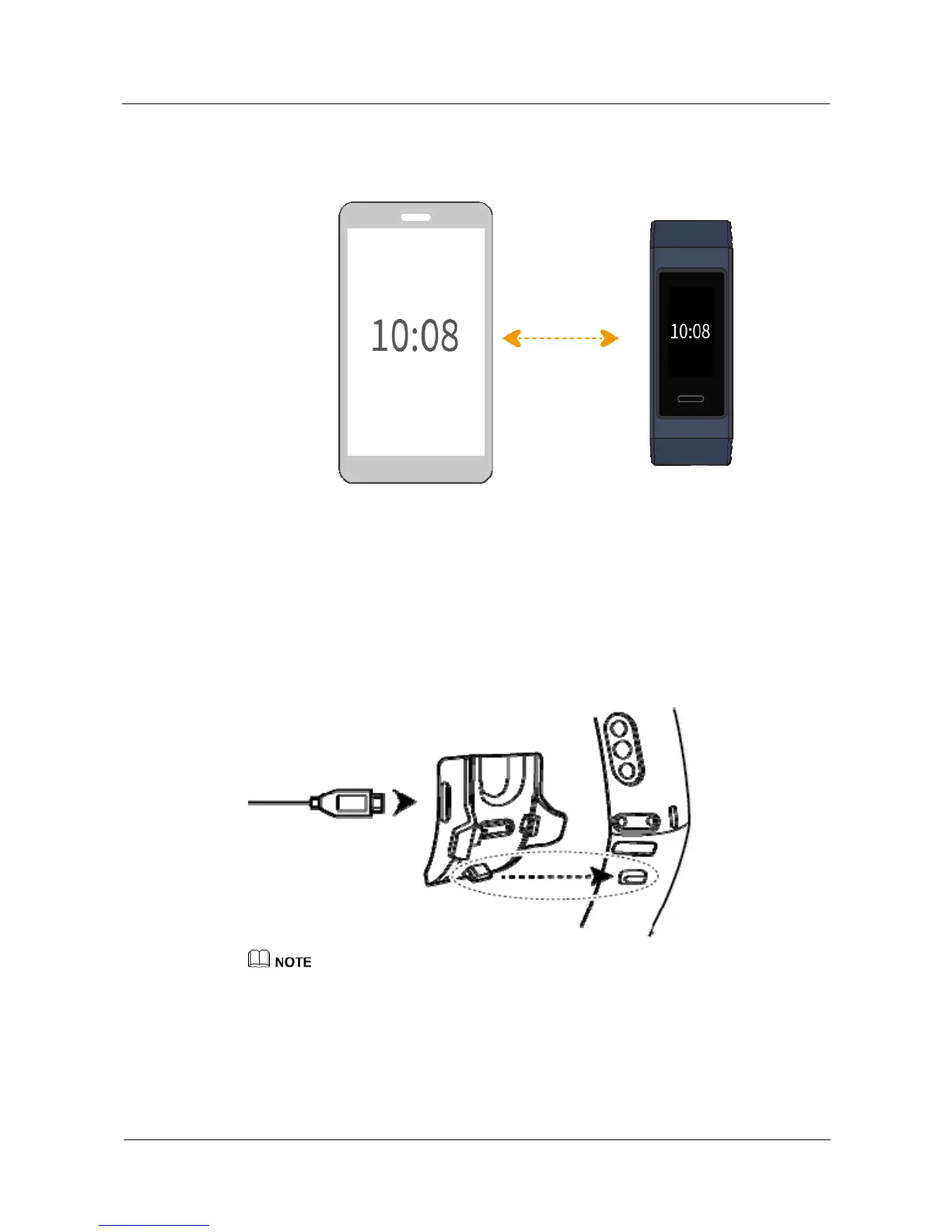
1.7 Charging your band
To charge your band, align the plastic rubber contacts with the charging port on the wrist
strap, and fasten the contacts to ensure the charging port has made good contact. The charging
icon and battery level will be displayed on the band screen.
z
Before charging, make sure the charging port and metal end are clean and dry to prevent short
circuits or other issues.
z
If the band screen gets black or responds slowly, connect your band to the charging cradle to restart
it.
Charging time: It takes about 100 minutes to fully charge your band in 25°C room
temperature. Once the battery icon is full, your band is fully charged.


 To Next Page
 Loading...