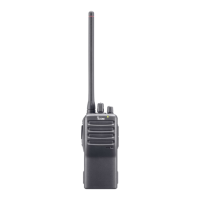
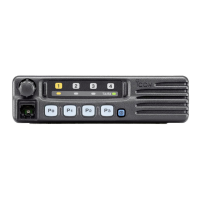
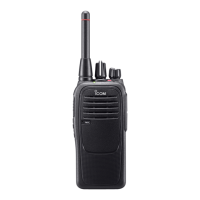
PANEL DESCRIPTION
16
15
14
13
12
11
10
9
8
7
6
4
5
3
2
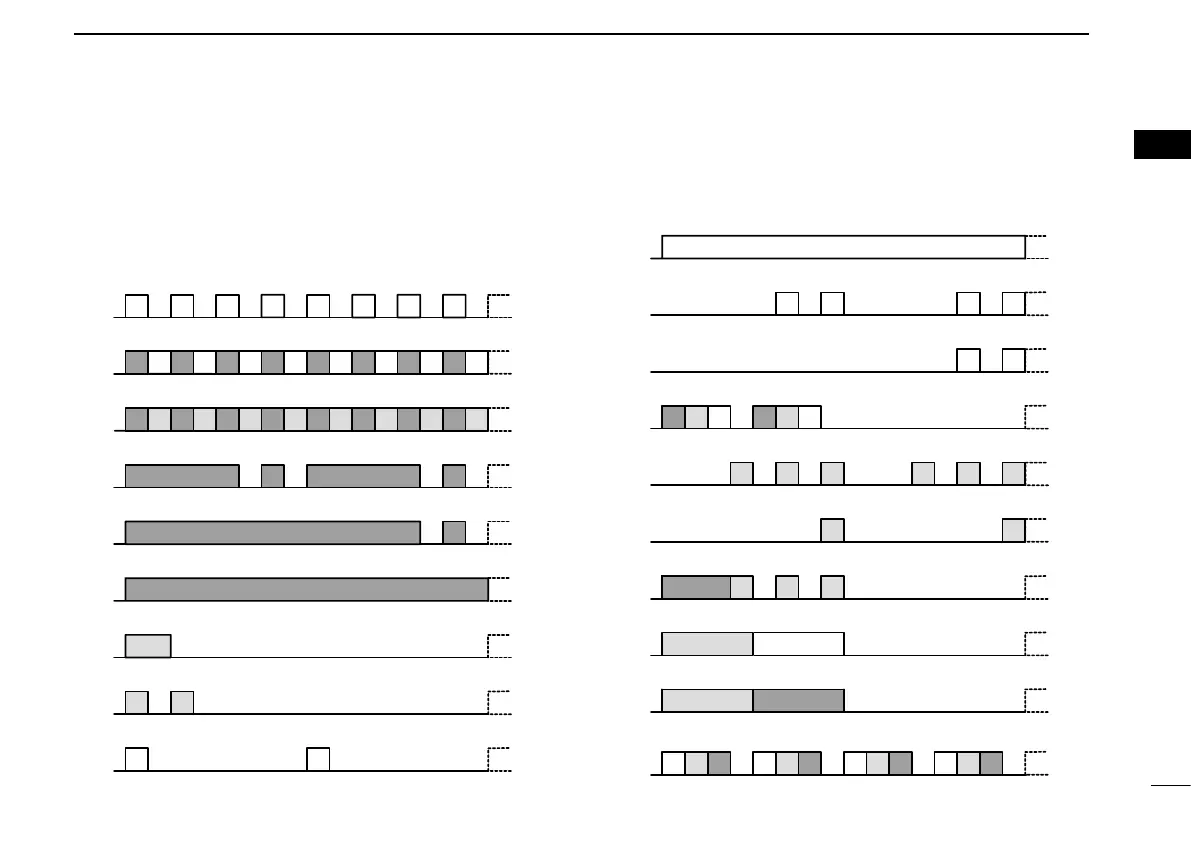
■ LED indicator
The LED indicator indicates the status of various parameters of
the transceiver as follows:
(Reference: R=Red, G=Green, O=Orange)
TX Low BATT2
Clone Err
Clone TX/RX
Low BATT1
Low BATT2
Busy
F/S Scan
Call LED Blink
Call LED ON
TX Low BATT1
Clone
G GGG G GGG
R G R G R G R G R G R G R G R G
R O R O R O R O R O R O R O R O
R R R R
R R
R
O
OO
G G
G G
R O G R O G
OOOOOO
OO
OO
OOOR
O
G
O
R
OOOOGR RGGRGR
G G G G
G
• Receiving
• Low Battery 2 (You must charge the battery.)
• Low Battery 1 (You should charge the battery.)
• When turning ON the power
• Calling
• Audible
• Lockout, TX Inh, TOT (when transmit is inhibited)
• Successful
• Failed, Error
• Emergency, Siren
TX Low BATT2
Clone Err
Clone TX/RX
Low BATT1
Low BATT2
Busy
F/S Scan
Call LED Blink
Call LED ON
TX Low BATT1
Clone
G GGG G GGG
R G R G R G R G R G R G R G R G
R O R O R O R O R O R O R O R O
R R R R
R R
R
O
OO
G G
G G
R O G R O G
OOOOOO
OOOO
OOOR
O G
O R
OOOOGR RGGRGR
G G G G
G
• Cloning (reading or writing data)
• Cloning Error (if cloning fails)
• Inh, Blank CH, Unlocked (when you cannot use the channel)
• TX Low Battery 2 (while transmitting)
• TX Low Battery 1 (while transmitting)
• Transmitting
• Call LED=ON (when receiving a matched 2-Tone or 5-Tone)
• Call LED=Blink (when receiving a matched 2-Tone or 5-Tone)
• Scanning



 To Next Page
 Loading...