Section 5
7
FRONT PANEL PROGRAMMING
Front Panel Programming mode
The following settings can be changed in the Front
Panel Programming mode without a PC. This is a con-
venient function to immediately change some settings
when you operate the transceiver in the field.
• Receive (RX) and Transmit (TX) frequencies
• RX and TX CTCSS tone frequencies
• RX and TX DTCS codes
• Channel name
NOTE:
While the transceiver is in the Front Panel Program-
ming mode, you cannot receive or transmit.
Entering the Front Panel Programming D
mode
Rotate q [VOL] to turn OFF the transceiver.
While holding down w [P0] and [UP], turn ON the
transceiver.
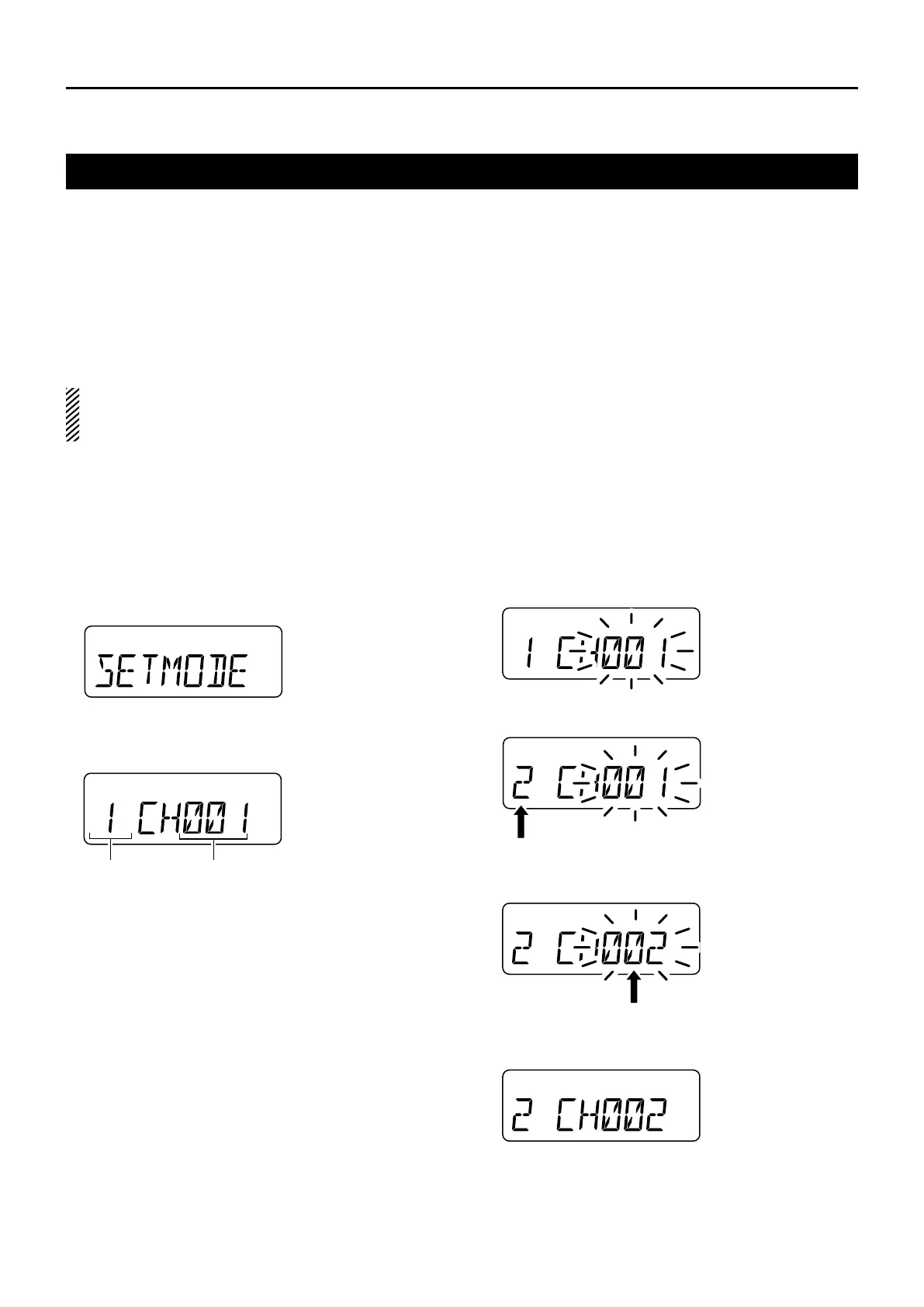
• “SET MODE” is displayed.
Push e [P0] to enter the Front Panel Programming
mode.
• A zone number and a channel number are displayed.
To exit the Front Panel Programming mode and return to
the normal operation:
Turn OFF the transceiver. ➥
Selecting a channel to program D
After a zone and a channel number are displayed, as q
described to the left, push [P3] to enter the Channel
Selection mode.
• The channel number blinks.
Push w [P1] several times to select a zone.
Push e [UP] or [DOWN] to select a channel you want
to program.
Push r [P3] again to set the channel.
• The channel number stops blinking.
zone channel



 To Next Page
 Loading...








