18
NS-DPF7G/NS-DPF9G
www.insigniaproducts.com
4 Use your computer's standard drag and drop or copy
and paste procedures to move pictures on your
computer to the frame's internal memory or a memory
card you inserted in the frame.
Deleting pictures from internal
memory
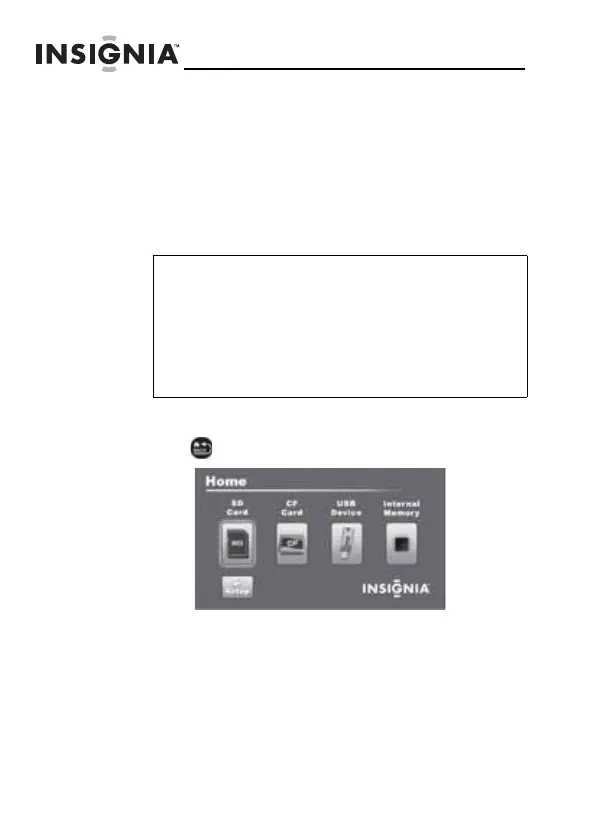
To delete pictures from internal memory:
1
Press (BACK) until the Home screen opens.
Note
You cannot delete pictures from an inserted
memory card or USB device. Because you cannot
copy pictures back from the frame to a memory
card, the frame should not be considered your
primary picture storage method. Make sure that
you have the pictures stored elsewhere (such as a
memory card).
NS-DPF7G-DPF9G_10-0658_MAN_ENG_V5.fm Page 18 Tuesday, June 15, 2010 10:09 AM



 To Next Page
 Loading...