INTRODUCTION
5
ENGLISH
Before operating the unit
Cancel the display demonstration and set the clock. (☞ also pages 49 and 50)
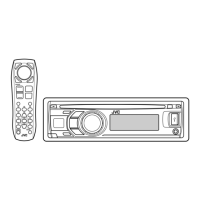
• Operations are explained mainly using the buttons on the unit; however, the buttons on the remote controller can
work in the same way if they have the same names or marks.
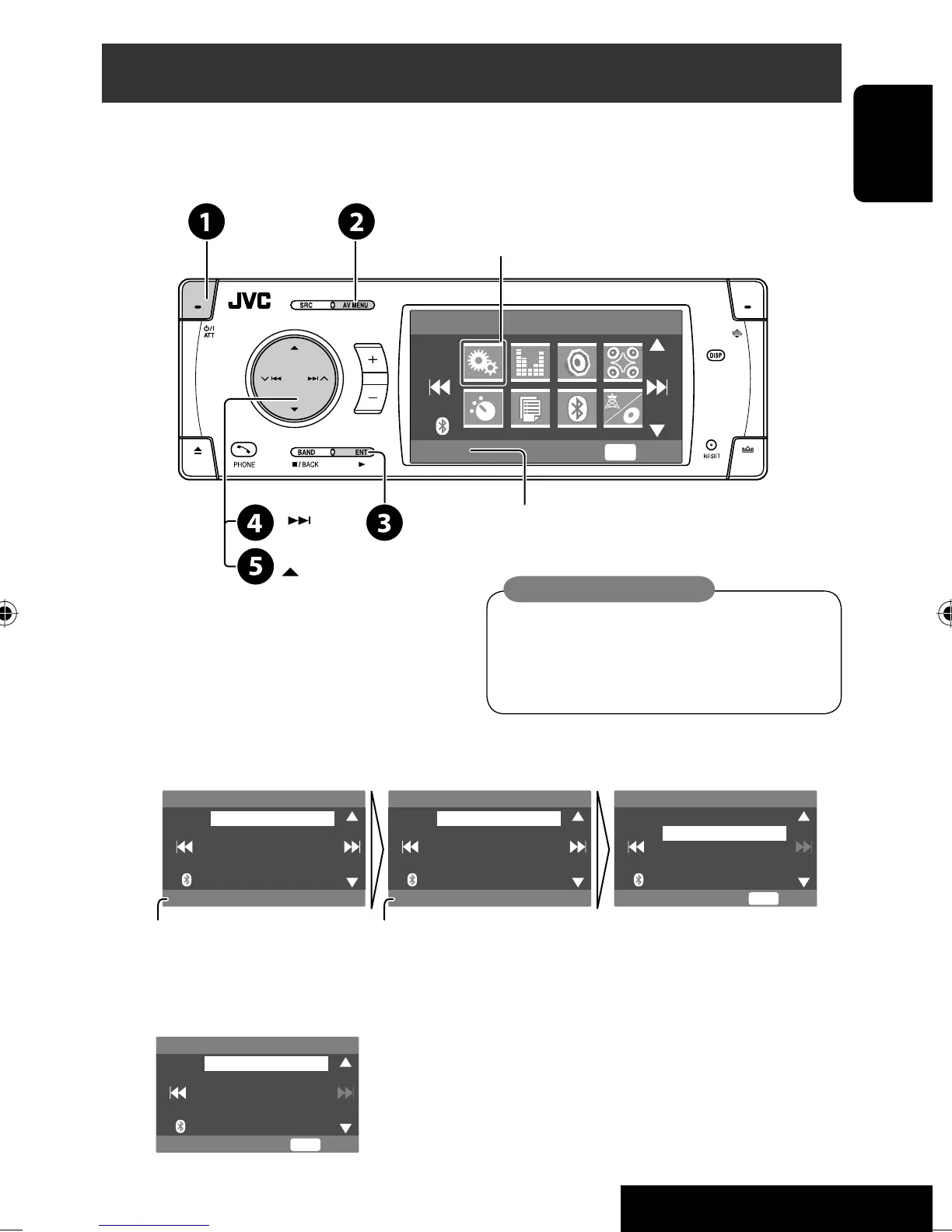
~ Turn on the power.
Ÿ Display <AV Menu>.
! Enter the <Setup> menu.
⁄ Select <Display> ] <Demonstration>, then activate the <Demonstration> screen.
@ Cancel the display demonstrations.
Select <Off>.
Continued on the next page
AV Menu
Setup
Enter
ENT
Setup menu icon
Currently selected menu
Demonstration
Display
Clock
Disc Setup 1
Disc Setup 2
Tuner
On
Demonstration
Wall Paper
Scroll
Tag Display
Dimmer
Off
On
Exit
ENT
Setup Display Demonstration
Currently selected submenu Current setting
Off
On
Exit
ENT
Demonstration
Indication language:
In this manual, English indications are used
for purpose of explanation. You can select
the indication language on the monitor. (☞
page 50)
AVX33_J 5AVX33_J 5 07.2.1 2:48:21 PM07.2.1 2:48:21 PM


 To Next Page
 Loading...