ENGLISH
6
Basic operations
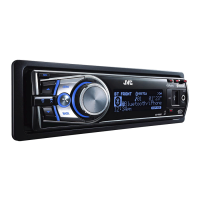
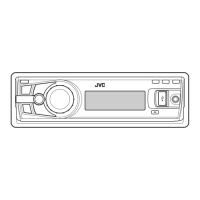
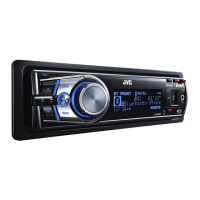
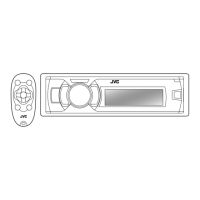
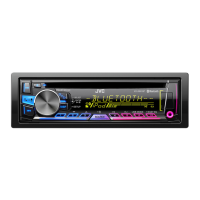
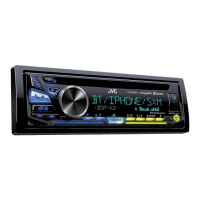
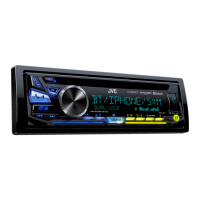
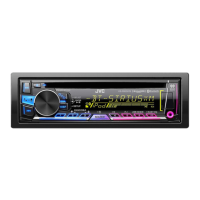
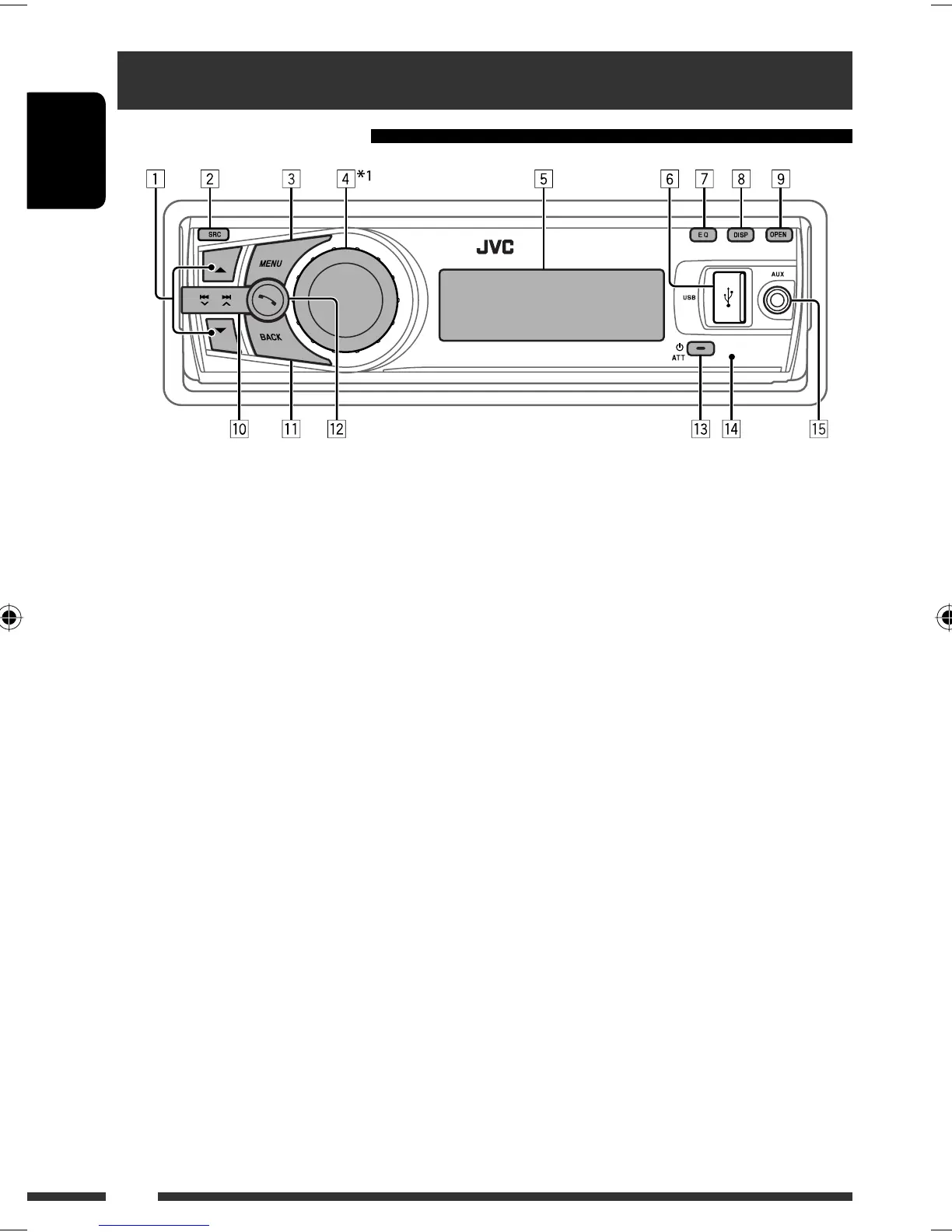
Using the control panel
1 •
FM/AM
: Select preset station.
•
CD/USB FRONT/USB REAR/CD-CH
:
Select folder.
•
iPod
: Enter the main menu/Pause playback *
2
/
Confirm selection.
•
BT FRONT/BT REAR
(Phone): Adjust
the microphone volume (during a phone call
conversation).
•
BT FRONT/BT REAR
(Audio) *
3
: Select
group/folder.
2 Select the source.
FM
=
AM
*
4
=
CD
*
5
=
USB FRONT
*
5
/
iPod FRONT
*
5
/
BT FRONT
*
4,
*
5
=
USB
REAR
*
5
/
iPod REAR
*
5
/
BT REAR
*
4,
*
5
=
CD-CH
*
5
/iPod
*
5
(or
EXT IN
) =
AUX IN
*
4
= (back to the beginning)
3 • Enter list operations.
• Enter Menu setting [Hold].
•
iPod FRONT/iPod REAR
: Enter the main
menu.
4 • Control the volume *
2
or select items [Turn].
• Confirm the selection [Press] .
•
FM
: Enter SSM preset mode [Hold] .
•
CD/USB FRONT/USB REAR/iPod
FRONT/iPod REAR
: Pause/resume
playback *
2
[Press].
•
BT FRONT/BT REAR
(Audio) : Resume
playback *
2
[Press].
•
CD/USB FRONT/USB REAR/iPod
FRONT/iPod REAR/BT FRONT
(Audio) *
3
/
BT REAR
(Audio) *
3
/
CD-CH
: Enter playback
mode [Hold].
5 Display window
6 USB (Universal Serial Bus) input terminal
7 Select the sound mode.
8 Change the display information.
9 Flip down the control panel.
• To eject the disc, flip down the control panel
then press 0 on the unit.
p •
FM/AM
: Search for station.
•
CD/USB FRONT/USB REAR/iPod
FRONT/iPod REAR/CD-CH
: Select track.
•
iPod
: Select category/track.
•
BT FRONT/BT REAR
(Audio): Reverse skip/
forward skip.
q • Return to the previous menu.
•
iPod FRONT/iPod REAR
: Switch the
setting between <Headunit Mode> and
<iPod Mode> *
6
[Hold].
•
BT FRONT/BT REAR
(Audio) : Pause
playback.
*
1
– *
6
: See page 7.
EN02-09_KD-R905_001A_3.indd 6EN02-09_KD-R905_001A_3.indd 6 2/4/09 12:30:12 PM2/4/09 12:30:12 PM


 To Next Page
 Loading...