33
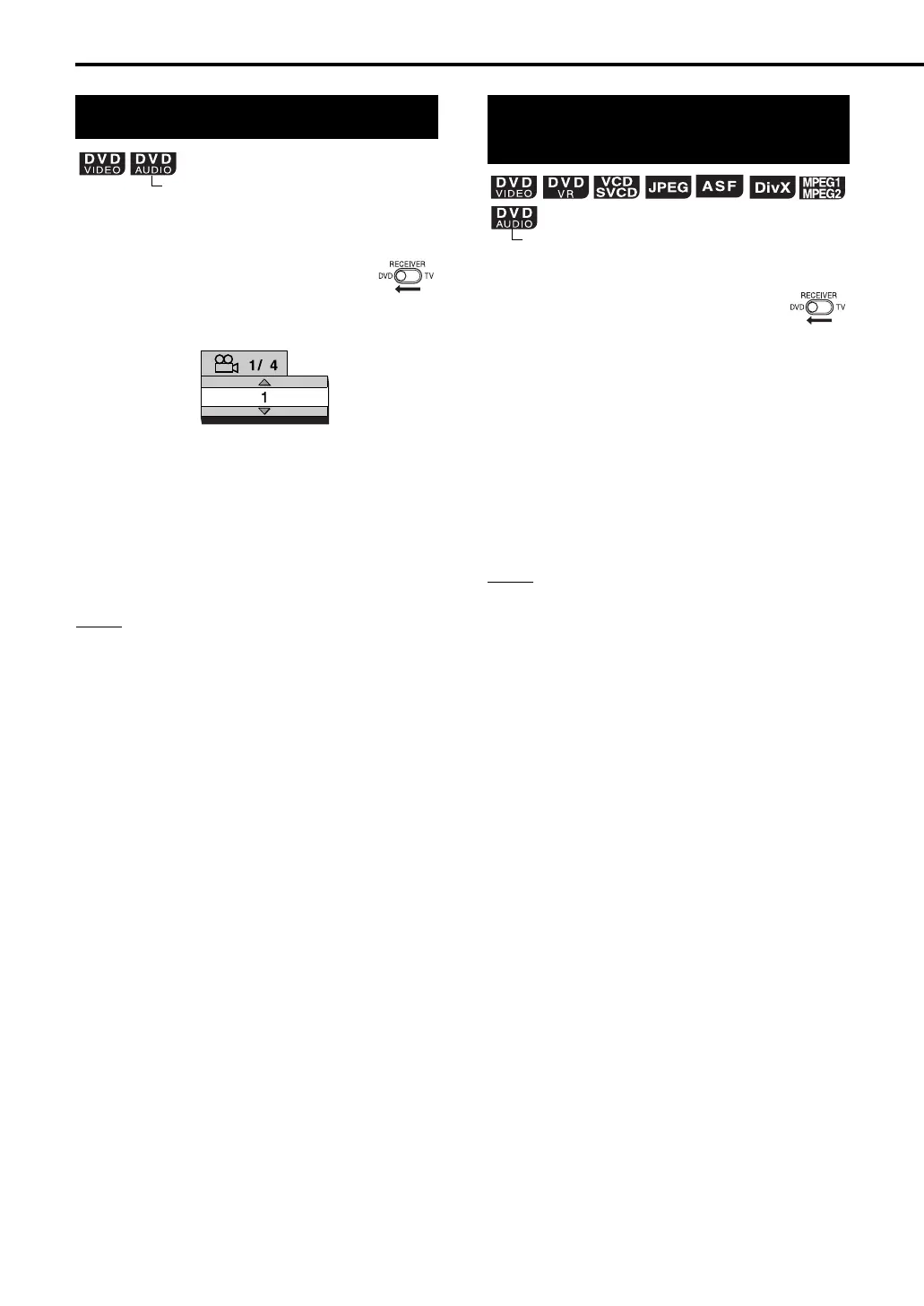
7 When a scene containing multi-view angles is
played back
1 Slide the remote control
mode selector to DVD.
2 Press ANGLE.
• Each time you press the button, the angle
will be changed. Also, the angle can be
changed by pressing 5// (cursor).
3 Press ENTER.
• The angle setting will change automatically
in a few seconds even if ENTER is not
pressed.
NOTE
• You can use this function with the menu bar
(
A
page 36).
7 When a disc is played back or paused
1 Slide the remote control
mode selector to DVD.
2 Press ZOOM.
• Each time you press the button, the picture
magnification will be changed.
3 Select the portion you want to
magnify by using 5///2/3
(cursor).
• To return to normal playback, select “ZOOM
OFF” in step 2.
NOTE
• For a JPEG disc, you cannot change the picture
magnification during slide-show playback.
• During ASF playback, there may be a case where
5///2/3 (cursor) does not work in step 3.
Selecting the view angle
(only for moving image)
TV screen
Example:
TV screen
Magnifying the picture
(ZOOM)
(only for moving image)
Convenient functions of the DVD player (continued)
EXA10[J_C_UJ]-05.fm Page 33 Tuesday, October 4, 2005 11:05 AM



 To Next Page
 Loading...