11 INTERACTIVE COOKING
11.1 - SELECTING COOKING
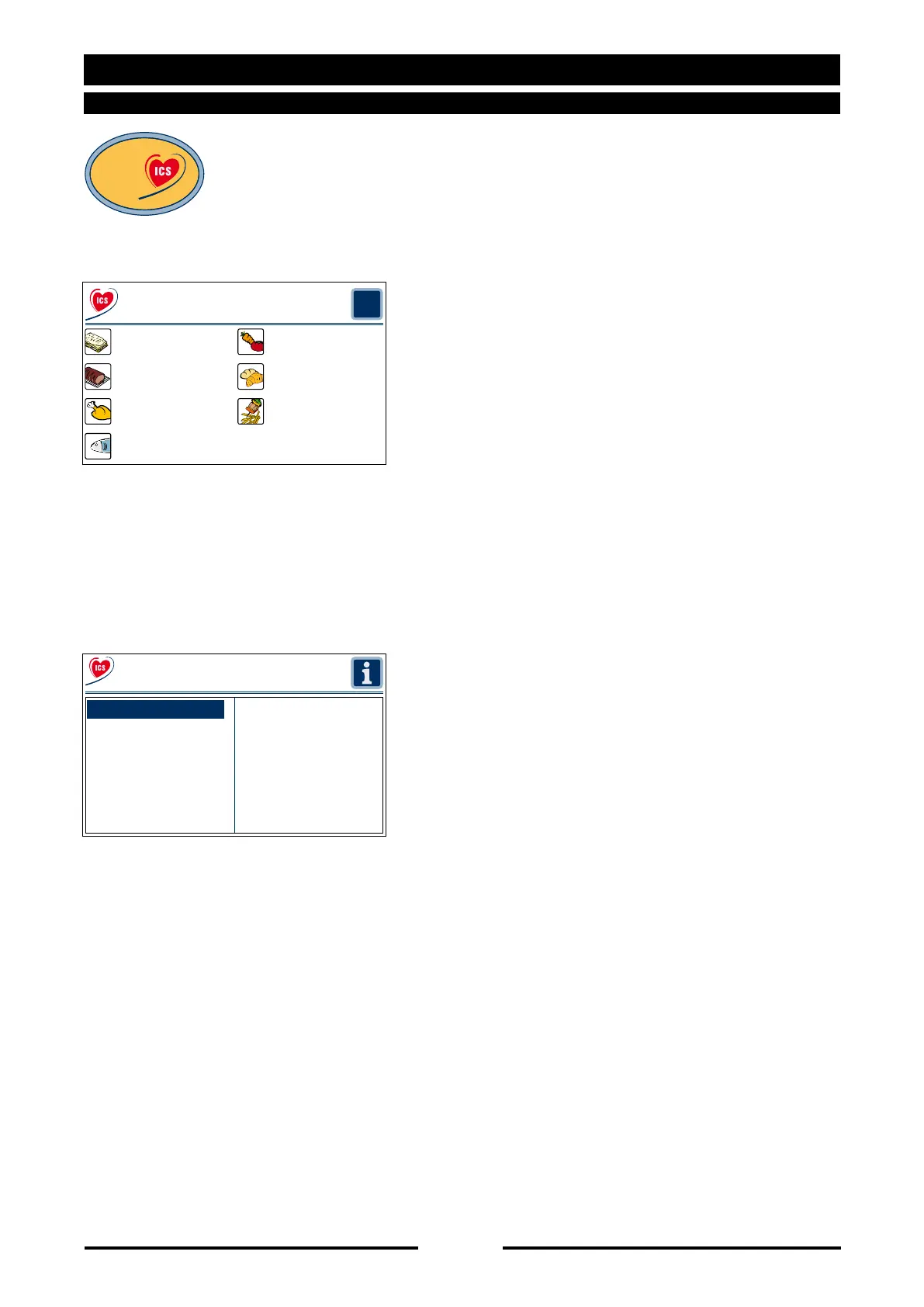
Press the “Cooking Interactive ICS” key
to start cooking immediately with preset
settings.
Select the type of foodstuff directly on
the touch screen or turn the Scroller+ to
the desired foodstuff and then confirm by
pressing the Scroller+.
Select the desired recipe directly on the
touch screen or turn the Scroller+ to
the desired recipe and then confirm by
pressing the Scroller+.
90027560rev00
?
Interactive Cooking System
Fish
Poultry-Game Multigrill
Meats Pastry-Bread
First courses Vegetables
?
Crepes-an
Lasagne-moussaka-sonda
Baked Roman dumplings
Steamed rice
Soups with lid
First courses
Cooking
Interactive



 To Next Page
 Loading...