Chapter 1. Getting started 1-3
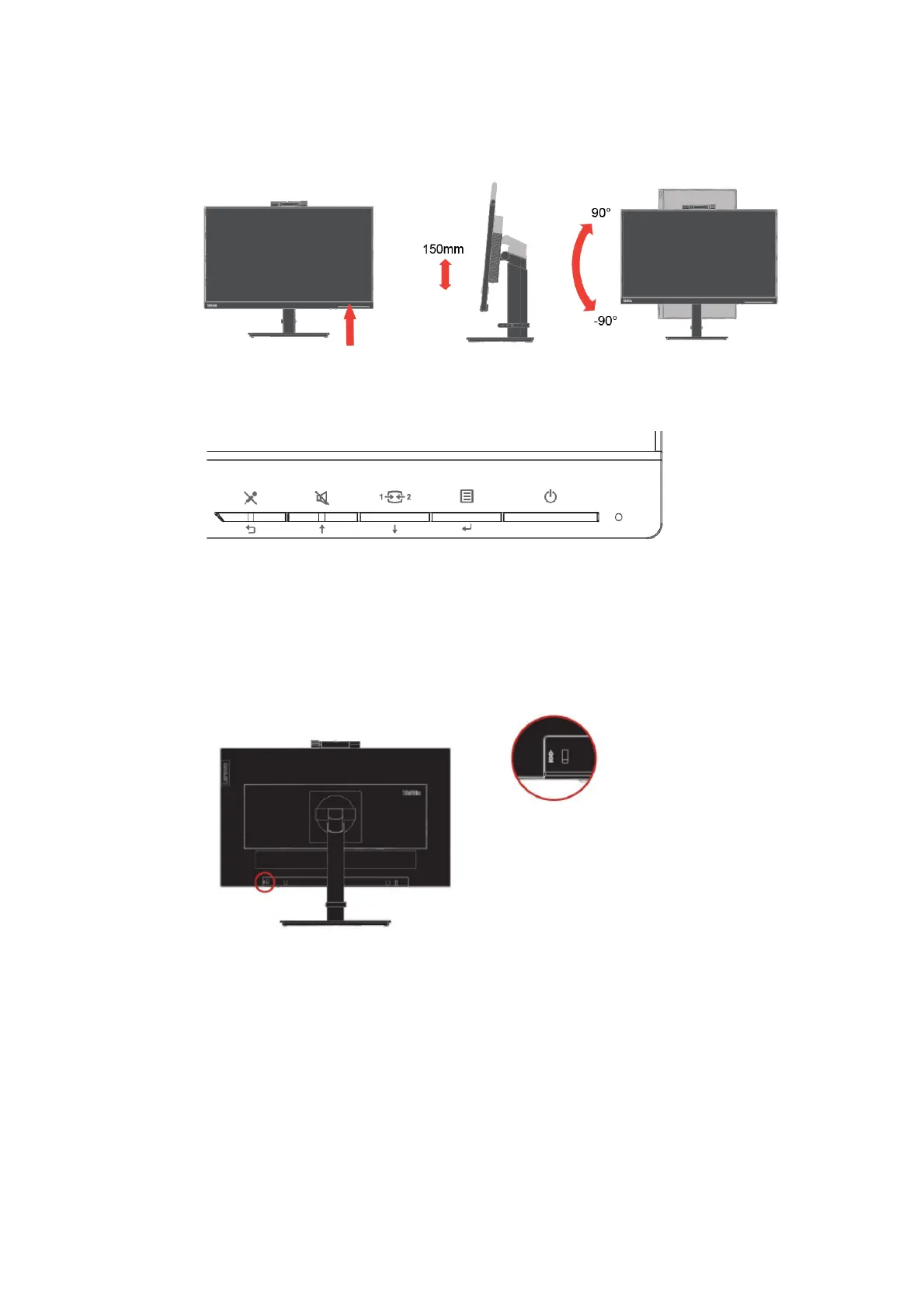
Monitor Pivot
- Adjust the monitor height before rotating the monitor screen. (Make sure that the monitor
screen ascent to its highest point and it inclines backward at 35°)
- Then rotate clockwise or anticlockwise until the monitor stops at 90°.
User controls
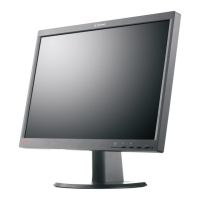
Your monitor has controls on the front which are used to adjust the display.
For information on how to use these controls, please see “Adjusting your monitor image” on page 2-6.
Cable lock slot
Your monitor is equipped with a cable lock slot located on the rear of your monitor. Please follow
the instructions that came with the cable lock to attach it.


 To Next Page
 Loading...