37
SMARTSHARE
Viewing the Photos
You can view photos stored on a connected device.
To control photo view
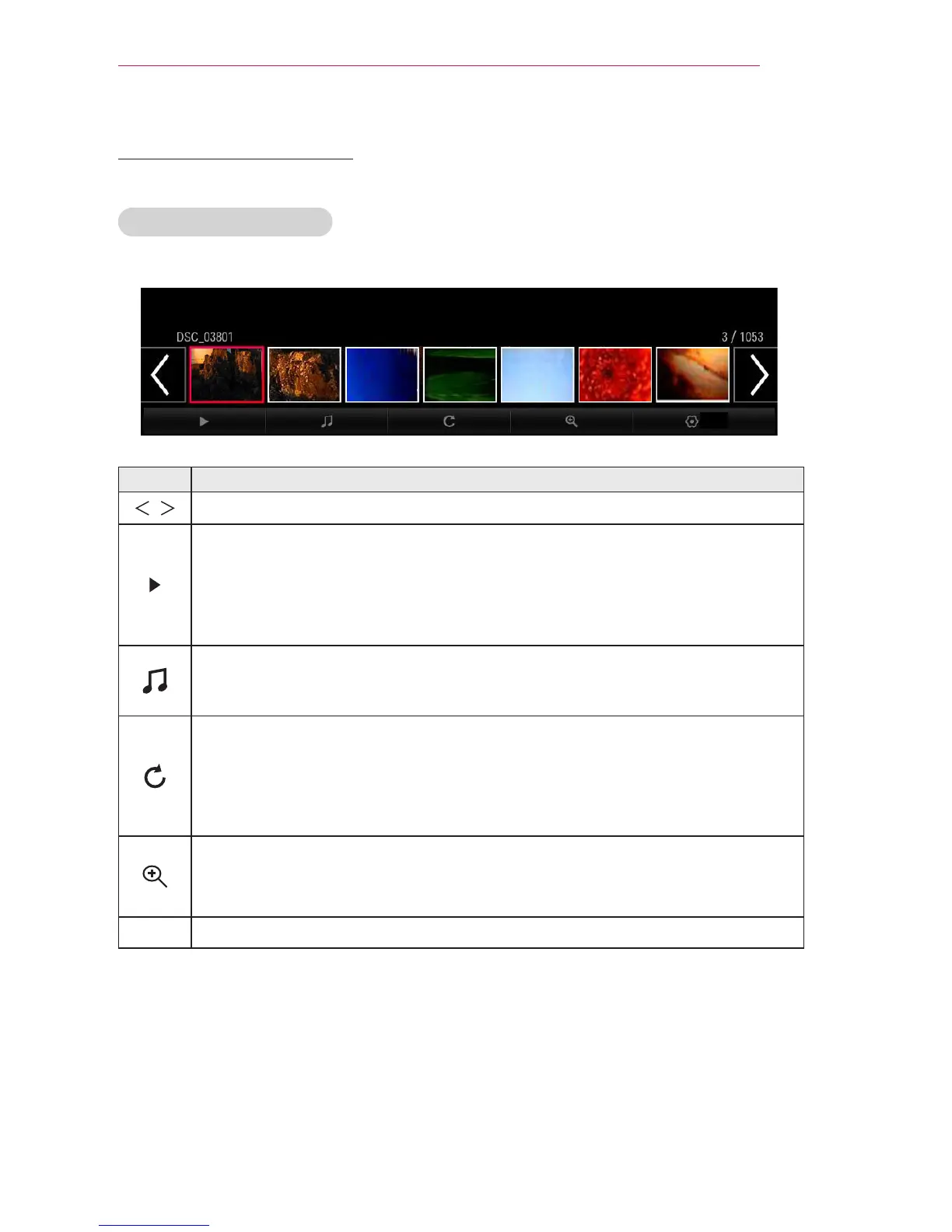
You can control playback using the following buttons.
Option
Item Description
,
Selects the previous or next photo.
If no picture is selected, all photos in the current folder are displayed in a
slide show. If some photos are selected, those photos are displayed in a
slide show.
y
Set Slide Show Speed in the Option
→
Set Photo View. menu.
You can listen to music while viewing full-size photos.
y
Set BGM in the Option → Set Photo View. menu.
Rotates photos.
y
Rotates a photo 90 °, 180 °, 270 °, 360 ° clockwise.
y
Photos cannot be rotated if their width is greater than the height of the
maximum supported resolution.
Enlarges or reduces the photo.
Use the Up/Down/Left/Right buttons to select a page and press the OK
button.
Option A setting popup window will appear.


 To Next Page
 Loading...










