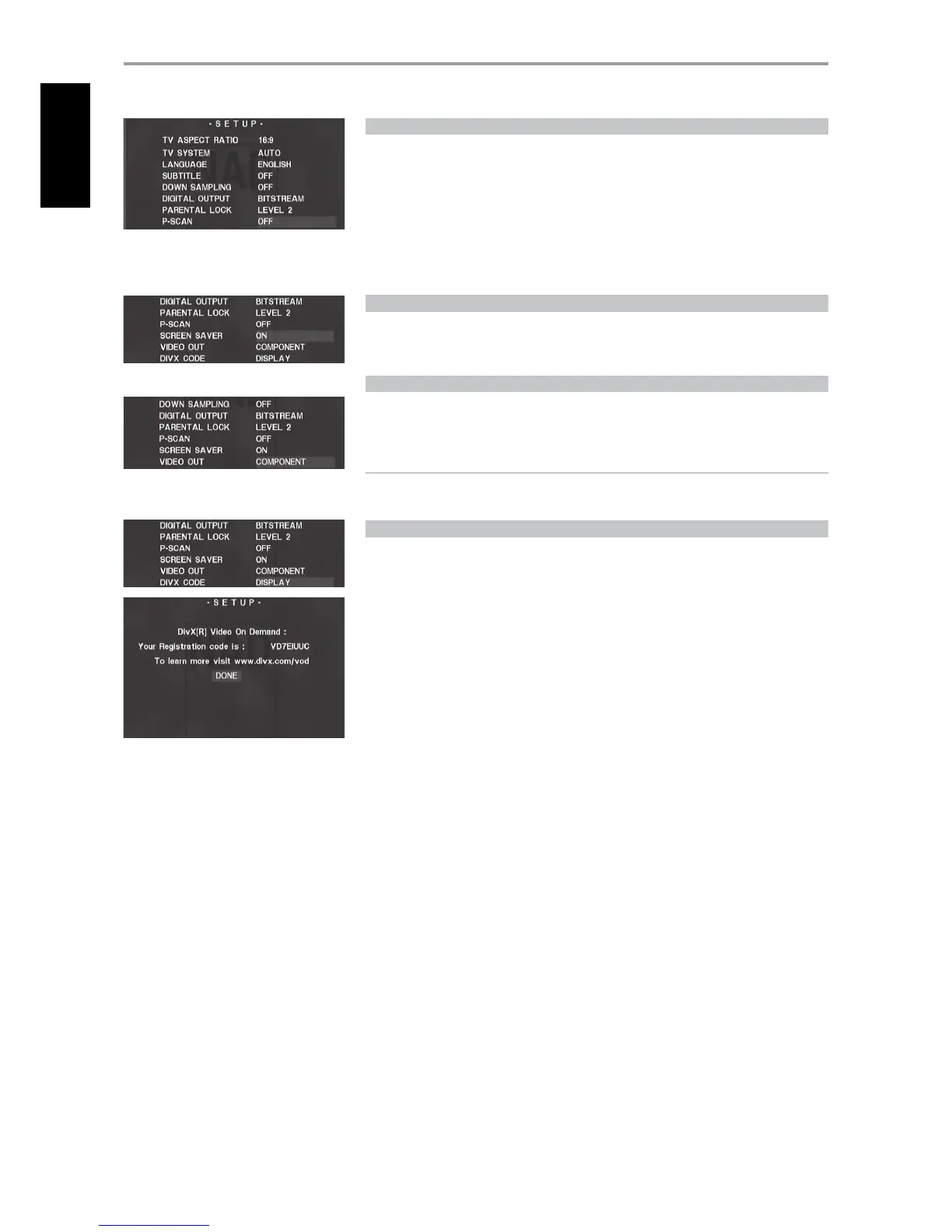
P-SCAN
If your television is a high-denition or “digital ready” television, you may take advantage of the L 54’s
progressive scan output for the highest video resolution possible.
To activate Progressive Scan, set rst “VIDEO OUT” (see “VIDEO OUT” section below ) to “COMPONENT.”
Then, select “ON” at “P-SCAN” menu to activate Progressive Scan output. Select “OFF” to maintain
normal Component Video Output.
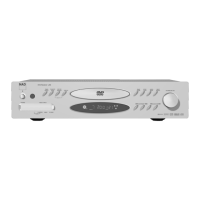
A direct way to turn o Progressive scan mode is to press and hold the front panel’s “DISPLAY” button
until the “P.SCAN” icon at the VFD is extinguished.
SCREEN SAVER
When you set “SCREEN SAVER” to “ON”, a screen saver in the form of an NAD logo appears when you
leave for about fteen minutes the L 54’s internal DVD player at Stop or Pause mode. If the Screen
Saver continues to be displayed for another ten minutes, the L 54 automatically turns itself o.
VIDEO OUT
Select among “S-VIDEO,” “COMPONENT” and “RGB” (European version model only) as your preferred
video output media. Make sure the appropriate video out of L 54 is connected to the corresponding
video input of your TV/monitor.
NOTE
• If “S-Video” is selected, there is no component video output and vice versa
• Component video out jack will only display the internal DVD video signals.
DIVX CODE
DivX is the name of a revolutionary new video codec which is based on the new MPEG-4
compression standard for video. You will be able to play DivX discs using the L 54’s internal DVD
player. The Registration code details necessary for VOD (Video-On- Demand) service can be shown
by pressing “DISPLAY.”
OPERATION
USING THE L 54’S INTERNAL DVD PLAYER SETUP MENU
ENGLISH FRANÇAIS DEUTSCH NEDERLANDS ESPAÑOL ITALIANO РУССКИЙ SVENSKA
18


 To Next Page
 Loading...