PM95 Android 13 User Manual
System Maintenance
81
© 2024 Point Mobile Co., Ltd. All rights reserved
Factory Data Reset
When PM95 work abnormal or there is a need to reset the device, follow the steps below to perform a factory
data reset.
Caution
: Factory data reset will erase all personalized settings and data saved in the device, such as Google
account, apps, user data, etc. And factory data reset cannot undo.
Factory data reset via Settings app
If the device can be turned on and access
Settings
,
1. Navigate to
Settings
>
System
>
Reset options
.
2. Tap
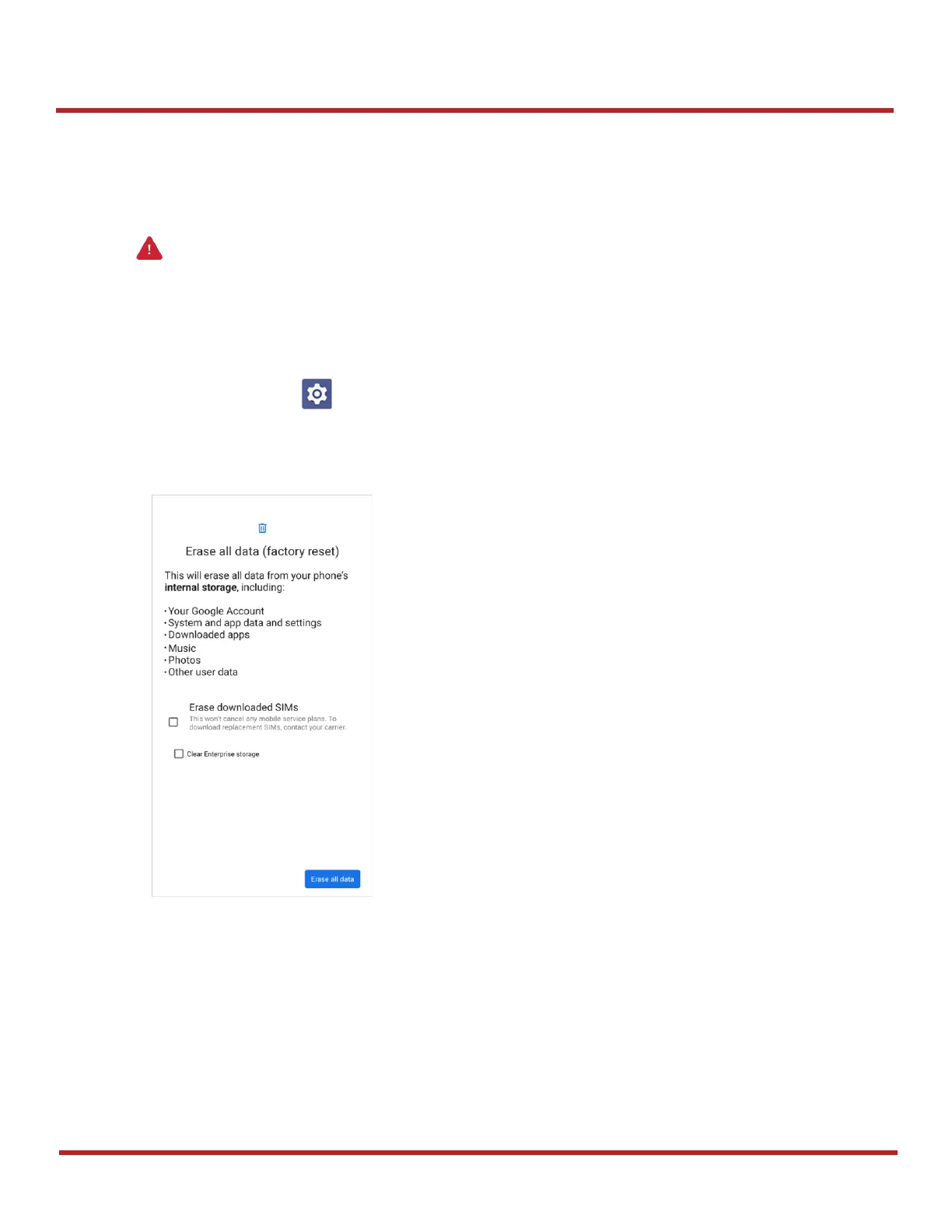
Erase all data (factory reset)
.
3. After being aware that factory reset will erase all data from the internal storage, tap
Erase all data
.
4. Tap
Erase all data
again
to start the factory reset process.
Figure 99 Factory data reset


 To Next Page
 Loading...





