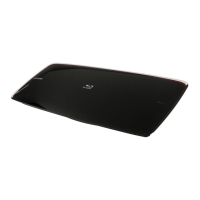
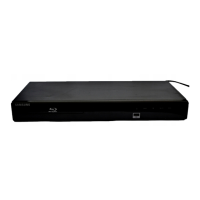
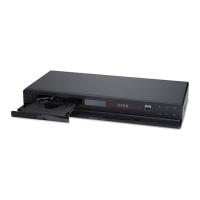
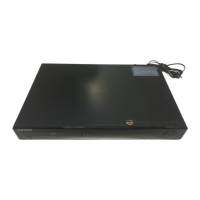
description
description
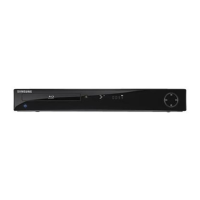
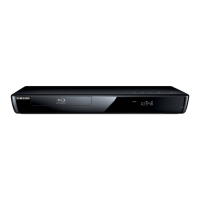
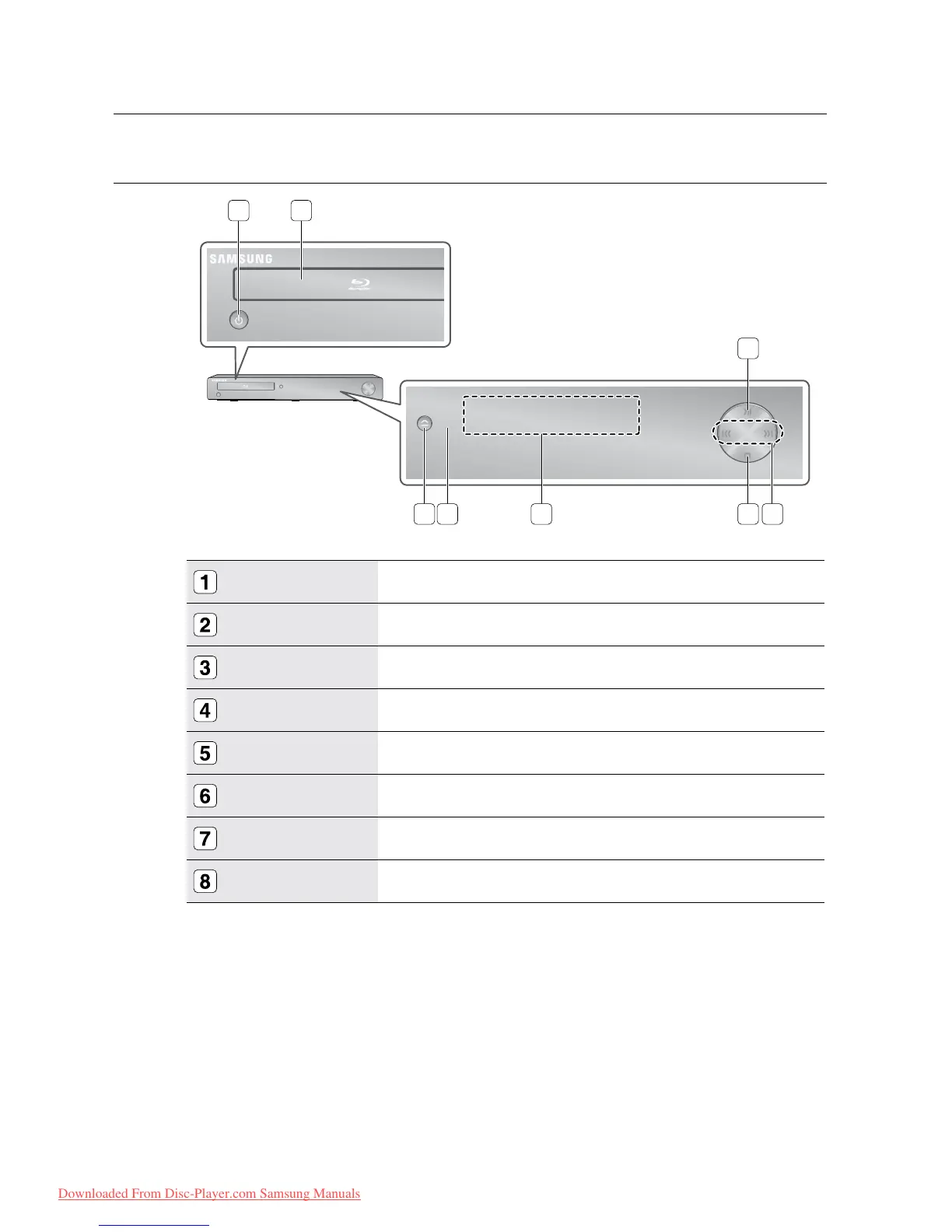
FRONT PANEL
POWER BUTTON
Turns the Blu-ray Disc Player on and off.
DISC TRAY
Opens to accept a disc.
PLAY/PAUSE BUTTON
Plays a disc or pauses playback.
SEARCH/SKIP BUTTONS
Goes to the next title/chapter/track or goes back to the previous title/chapter/track.
STOP BUTTON
Stops disc playback.
DISPLAY
Displays the playing status, time, etc.
REMOTE CONTROL SENSOR
Detects signals from the remote control.
OPEN/CLOSE BUTTON
Opens and closes the disc tray.


 To Next Page
 Loading...