56
Turning the Computer On and Off
Turning the computer on
1
Install the battery and connect the
AC adapter.
(Refer to the Installation Guide.)
2
Lift the LCD panel up.
3
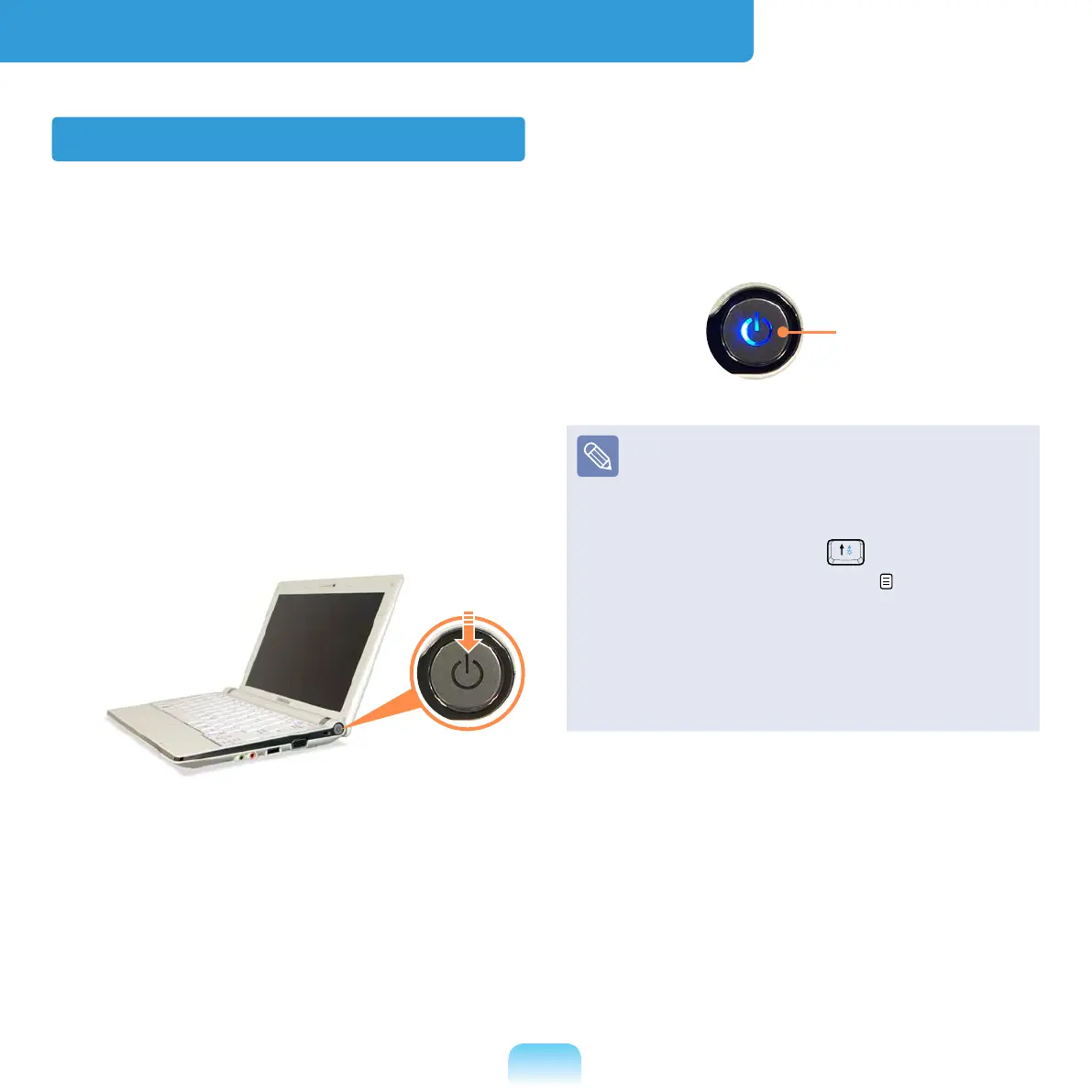
Press the Power button to turn the
computer on.
4
Power button LED is lit while the
computer is turned on.
LED
When running the computer on
battery power, the LCD brightness
is dimmed automatically to save
battery power.
Press the Fn + key to increase
the LCD brightness. 61
When turning the computer on
for the rst time, the Register
Windows screen appears. You can
use the computer after registering
your user information.


 To Next Page
 Loading...








