TV menu
E Channel Skip
Channelskipallowsyoutoskiponeormorechannels
whenpressingP <>ontheremotecontroltoswitch
betweenchannels.
1� Press MENU on the remote control and select
TV ≥ Channels�
NOTE
• Youarepromptedtoentercurrentpasswordtoenter
ChannelsifChannel Block/Parental Guidance/
Input BlockintheParentalmenuisnotthedefault
setting.
2� Press <> to select Channel Skip and press
OK or ≥ to enter the channel list.
3� Press <> to select one or more channels you
preferred to skip.
4� Press OK to mark or cancel.
5� Follow the on-screen instructions to exit.
NOTE:
• Towatchtheskippedchannels,enterthechannel
numbersbyusingthedigit buttonsontheremote
controlorselectfromPR LIST.
E Channel Sort
Channelsortallowsyoutoreorderthechannelsinthe
PR LIST.
1� Press MENU on the remote control and select
TV ≥ Channels�
NOTE
• Youarepromptedtoentercurrentpasswordtoenter
ChannelsifChannel Block/Parental Guidance/
Input BlockintheParentalmenuisnotthedefault
setting.
2� Press <> to select Channel Sort and press
OK or ≥ to enter the channel list.
3� Press <> to select one channel and press OK
to mark.
4� Press<>toselectanotherchannelandpress
OKtomark.Thetwochannelsyourmarkedare
exchanged.
5� Repeatstep3to4toreordermorechannels.
6� Followtheon-screeninstructionstoexit.
E Channel Edit
Channeleditallowsyoutochangethechannelnumber
orthechannelname.
1� Press MENU on the remote control and select
TV ≥ Channels�
NOTE
• Youarepromptedtoentercurrentpasswordtoenter
ChannelsifChannel Block/Parental Guidance/
Input BlockintheParentalmenuisnotthedefault
setting.
2� Press <> to select Channel Edit and press
OK or ≥ to enter the channel list.
3� Press <> to select one channel you prefer to
edit.
4� Press OK to enter.
5� Press <> to highlight one of the following:
• Channel Number: Enter a new channel
number by using the digit buttons on the
remote control
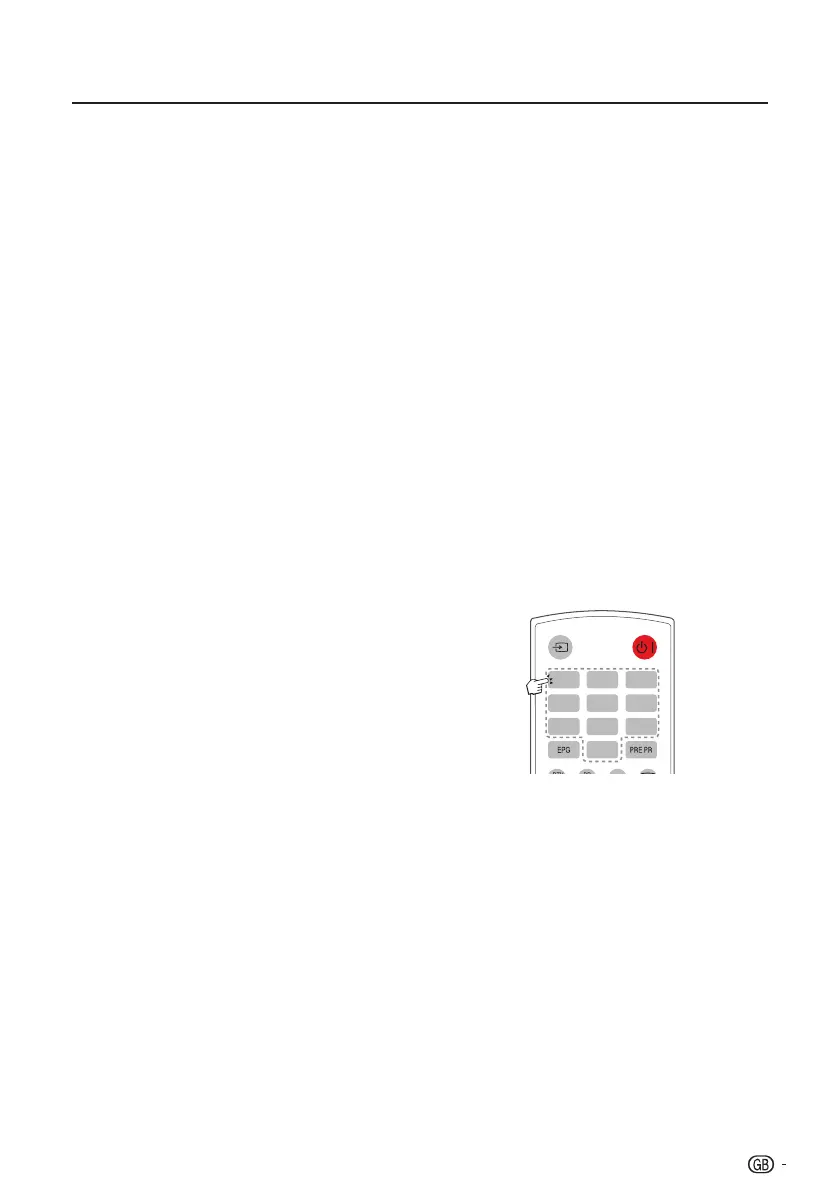
• Channel Name: Press the digit buttons on
the remote control to rename the channel.
Please refer to the graphic below for available
characters. (Press each button repeatedly to
change between characters.)
0-9 digit buttons with available characters
ABC1 DEF2 GHI3
JKL4 MNO5 PQR6
STU7 VWX8
+-.0
YZ9
6� Follow the on-screen instructions to exit.
NOTE
• Thenewchannelnumberyouhaveenteredcannot
overridetheexistone.
15


 To Next Page
 Loading...