TROUBLESHOOTING
CARE AND CLEANING
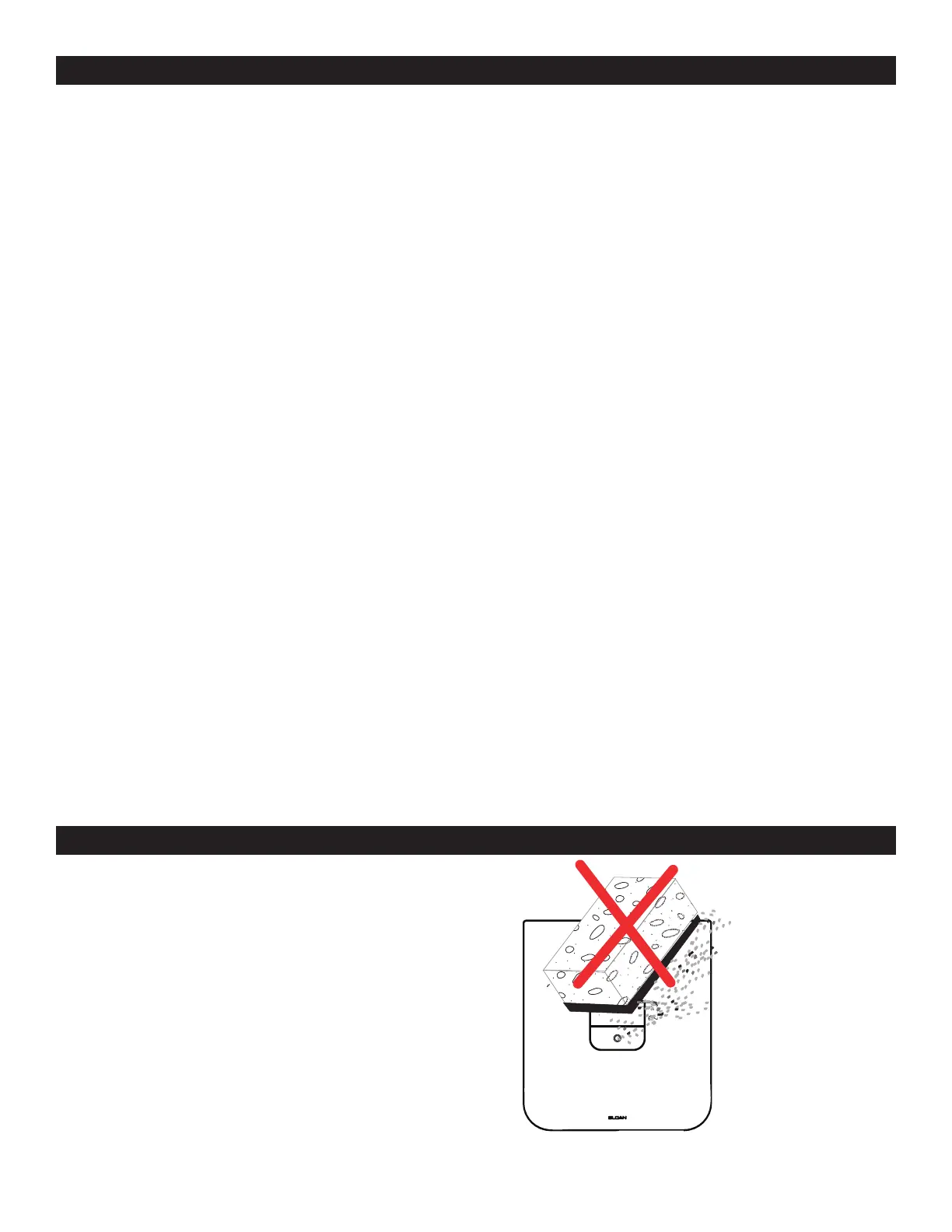
DO NOT use abrasive or chemical cleaners (including chlorine bleach)
to clean Flushometers that may dull the luster and attack the chrome or
special decorative nishes. Use ONLY mild soap and water, then wipe dry
with clean cloth or towel. While cleaning the bathroom tile, protect the
Flushometer from any splattering of cleaner. Acids and cleaning uids will
discolor or remove chrome plating.
A. Sensor Flashes Continuously Only When User Steps Within Range.
i. Unit in Start-Up mode; no problem. This feature is active for the rst ten (10) minutes of operation.
B. Valve Does Not Flush; Sensor Not Picking Up User.
i. Range too short; increase the range.
C. Valve Does Not Flush; Sensor Picking Up Opposite Wall or Surface, or Only Flushes When Someone Walks By.
Red Light Flashes Continuously for First 10 Minutes Even with No One in Front of the Sensor.
i. Range too long; shorten range.
D. Valve Does Not Flush Even After Adjustment.
i. Ensure water supply to valve is turned on.
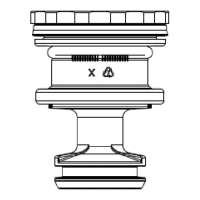
ii. Activation Assembly sleeve is in closed position. Turn counterclockwise to open water ow.
iii. Batteries completely used up; replace batteries.
iv. Problem with activation assembly; replace activation assembly.
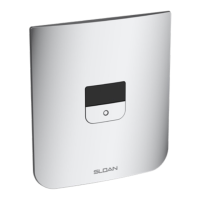
v. Problem with Sensor Assembly; replace Sensor Assembly.
E. Red Light Blinks four (4) Times When User Steps Within Range (Battery Only).
i. Batteries low; replace batteries.
F. Red Light Blinks four (4) Times When User Steps Within Range (Hardwire and Battery).
i. Battery box not connected; connect battery box to sensor assembly.
ii. Batteries low; replace batteries.
G. Valve Does Not Shut off.
i. Metering bypass hole in piston is clogged. Remove the piston O-ring from groove and wash under clean running water.
Replace piston if cleaning does not correct the problem.
ii. Supply line water pressure has dropped and is not sufcient to close the valve. Close Activation Assembly until pressure is
restored.
iii. Piston is damaged. Replace with new proper gpf/Lpf piston.
H. Too much water to Fixture.
i. Activation Assembly not adjusted properly. Readjust Activation Assembly.
ii. Piston is damaged. Replace with new proper gpf/Lpf piston
iii. Wrong CX model installed; i.e.,1.6 gpf. model installed on 0.5 gpf/1.9 Lpf or 0.25 gpf/1.0 Lpf urinal xture. Replace
with proper CX model per guide.
I. Not enough water to Fixture.
i. Activation Assembly not adjusted properly. Readjust Activation Assembly by turning counterclockwise.
ii. Wrong CX model installed; i.e. 0.5 gpf. urinal installed on 1.6 gal. closet xture. Replace with proper CX model.
iii. Water supply pressure is inadequate (low). Increase the water supply pressure. Contact the xture manufacturer for
minimum water supply requirements of the xture.
J. Chattering noise is heard during flush.
i. Reduce ow pressure by turning Activation Assembly.
14


 To Next Page
 Loading...