GB
50
Checking the functions available
Menu list
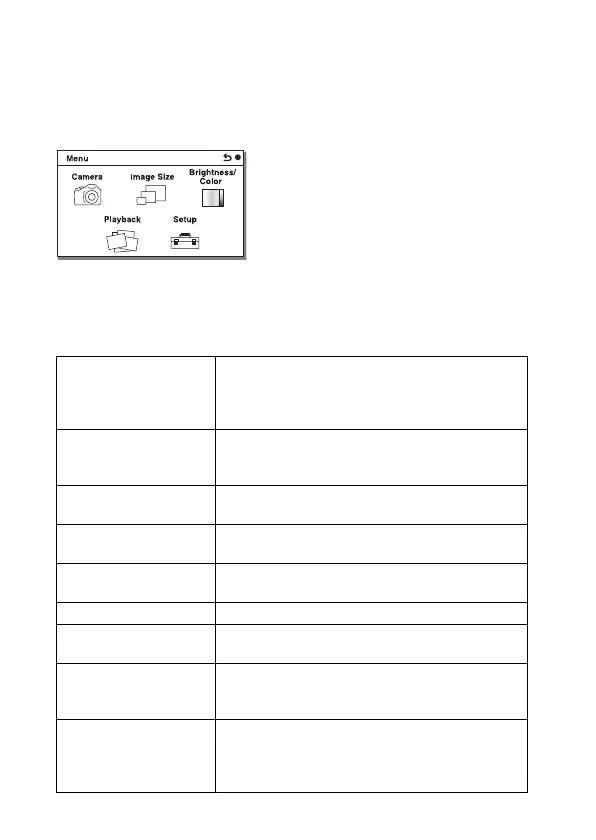
When you press MENU, the menu items [Camera], [Image Size], [Brightness/
Color], [Playback] and [Setup] appear on the screen.
You can set various functions in each item. Items that cannot be set in the
context are displayed in gray.
x
Camera
Allows you to set shooting functions, such as continuous shooting, self-timer,
and flash.
Drive Mode Selects the drive mode, such as continuous shooting,
self-timer, or bracket shooting.
(Single Shooting/Cont. Shooting/Spd Priority Cont./
Self-timer/Self-timer(Cont)/ Bracket: Cont.)
Flash Mode Selects the method used to fire the flash.
(Flash Off/Autoflash/Fill-flash/Slow Sync./Rear
Sync.)
AF/MF Select Selects auto focusing or manual focusing.
(Autofocus/DMF/Manual Focus)
Autofocus Area Selects the area to be focused on.
(Multi/Center/Flexible Spot)
Autofocus Mode Selects the autofocus method.
(Single-shot AF/Continuous AF)
Tracking Focus Keeps the focus on a subject while tracking it.
Zoom Sets the zoom scale of the [Zoom] feature of the
camera.
Face Detection Detects people’s faces automatically, and adjusts
focus and exposure to suit the faces.
(On (Regist. Faces)/On/Off)
Face Registration Registers or changes the person to be given priority in
the focus.
(New Registration/Order Exchanging/Delete/Delete
All)


 To Next Page
 Loading...










