Help Guide
Wireless Speaker
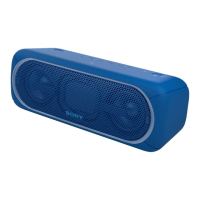
SRS-XB40
Listening to music of a portable audio device, etc.
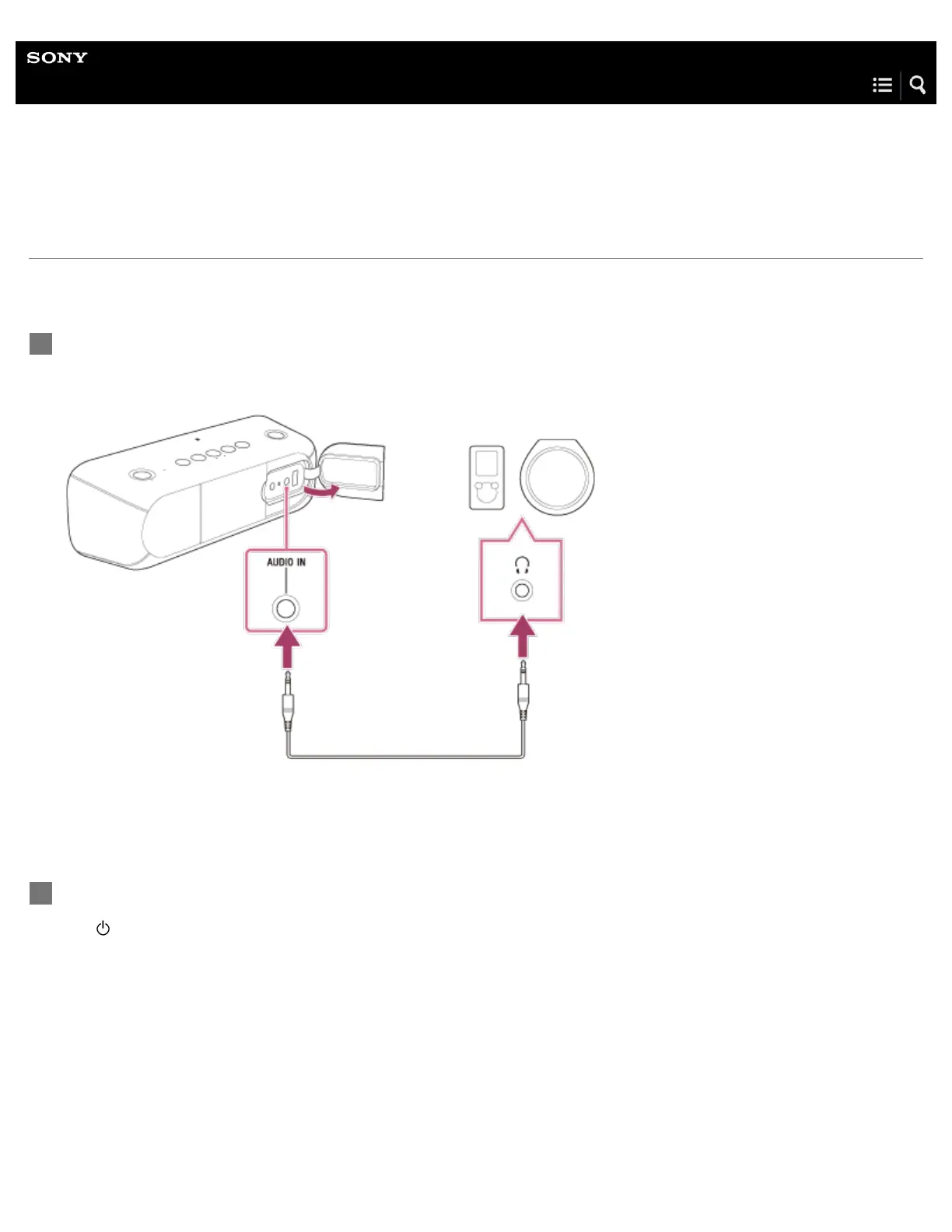
You can use the speaker as an ordinary wired speaker system by connecting a portable audio device, etc., using an audio cable
(not supplied).
Connect a device to the AUDIO IN jack with an audio cable (not supplied).
For connection, use an audio cable with a stereo mini plug (no resistance)
*
at both ends.
1
If you use an audio cable (with stereo mini plugs) with significant resistance, the sound may be lower. Therefore, make sure you use a cable (with
stereo mini plugs) without resistance.
*
Turn on the speaker.
The
(power) indicator lights up in white.
2


 To Next Page
 Loading...