Help Guide
Wireless Noise Canceling Stereo Headset
WH-1000XM5
Connecting to a paired iPhone
Unlock the screen of the iPhone if it is locked.
1
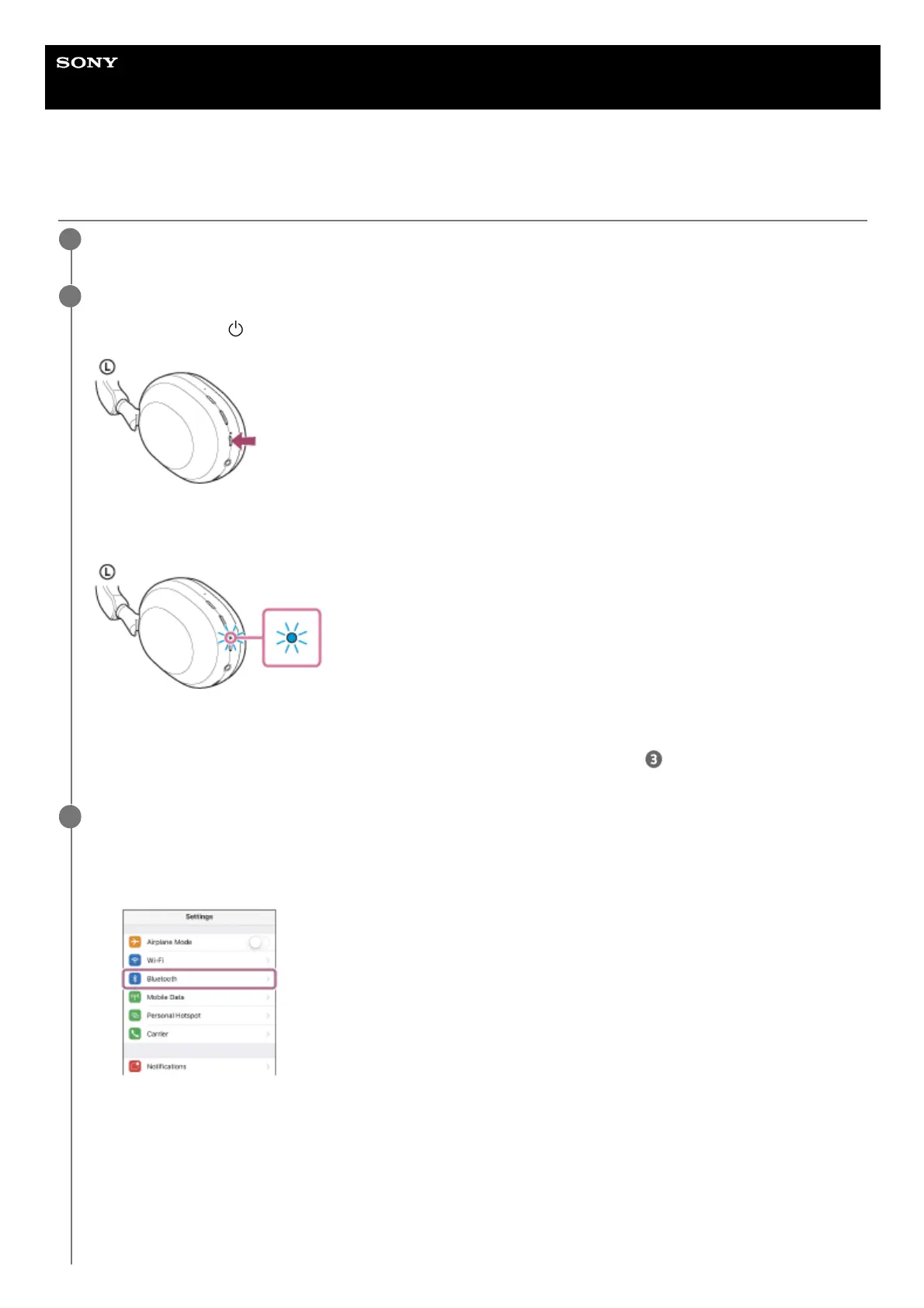
Turn on the headset.
Press and hold the
(power) button for about 2 seconds.
You will hear a notification sound announcing that the headset is turned on.
The indicator (blue) continues to flash even after you release your finger from the button.
If the headset has automatically connected to the last connected device, you will hear a notification sound
announcing that the connection is established.
Check the connection status on the iPhone. If it is not connected, proceed to step
.
2
Display the devices paired with the iPhone.
3
Select [Settings].
1.
Touch [Bluetooth].
2.
Touch the switch to turn on the Bluetooth function.
3.


 To Next Page
 Loading...



