INSTALLATION
AUTO STANDBY
This product has auto-standby and complies with ErPII (2009/125/EC reduction of energy use
directive).
• It will turn off after 15 minutes.
• It will automatically turn on when signal is sensed.
• It relies on input sensitivity to do this. Make sure volume on source device is turned up.
DISABLE
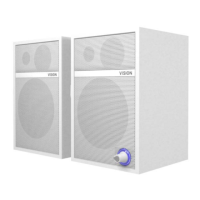
Put into STANDBY then hold V+ button until blue light flashes. The blue LED will flash slowly once.
To enable do the same again. The blue LED will flash quickly three times.


 To Next Page
 Loading...