XPLORNET HUB USER GUIDE 15
Connection Troubleshooting
To maximize your Wi-Fi connection:
• Reduce the number of walls and ceilings between your Hub and other network
devices
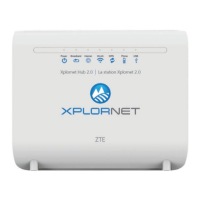
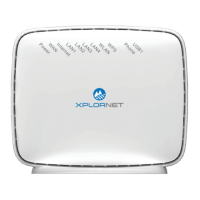
• Place Hub upright with lights facing towards the centre of the home
• Keep at least 6 feet away from electrical devices or components that generate
interference like a microwave oven, home security system or blue tooth devices
• Ensure that the Broadband, Internet and WLAN lights are green
• If there are no lights working on the device, please ensure that you have inserted
the black power adapter into a known working power socket.
• Ensure the Hub has been powered “On” (the switch on the side panel is pressed
down)
• Check that all cables are inserted into the correct port


 To Next Page
 Loading...