EasyManua.ls Logo

Yamaha Electone ME-35A - Automatic Accompaniment Features; Auto Bass Chord; Single Finger Chord Input

Yamaha Electone ME-35A
38 pages
Print Icon
To Next Page IconTo Next Page
To Previous Page IconTo Previous Page
Loading...
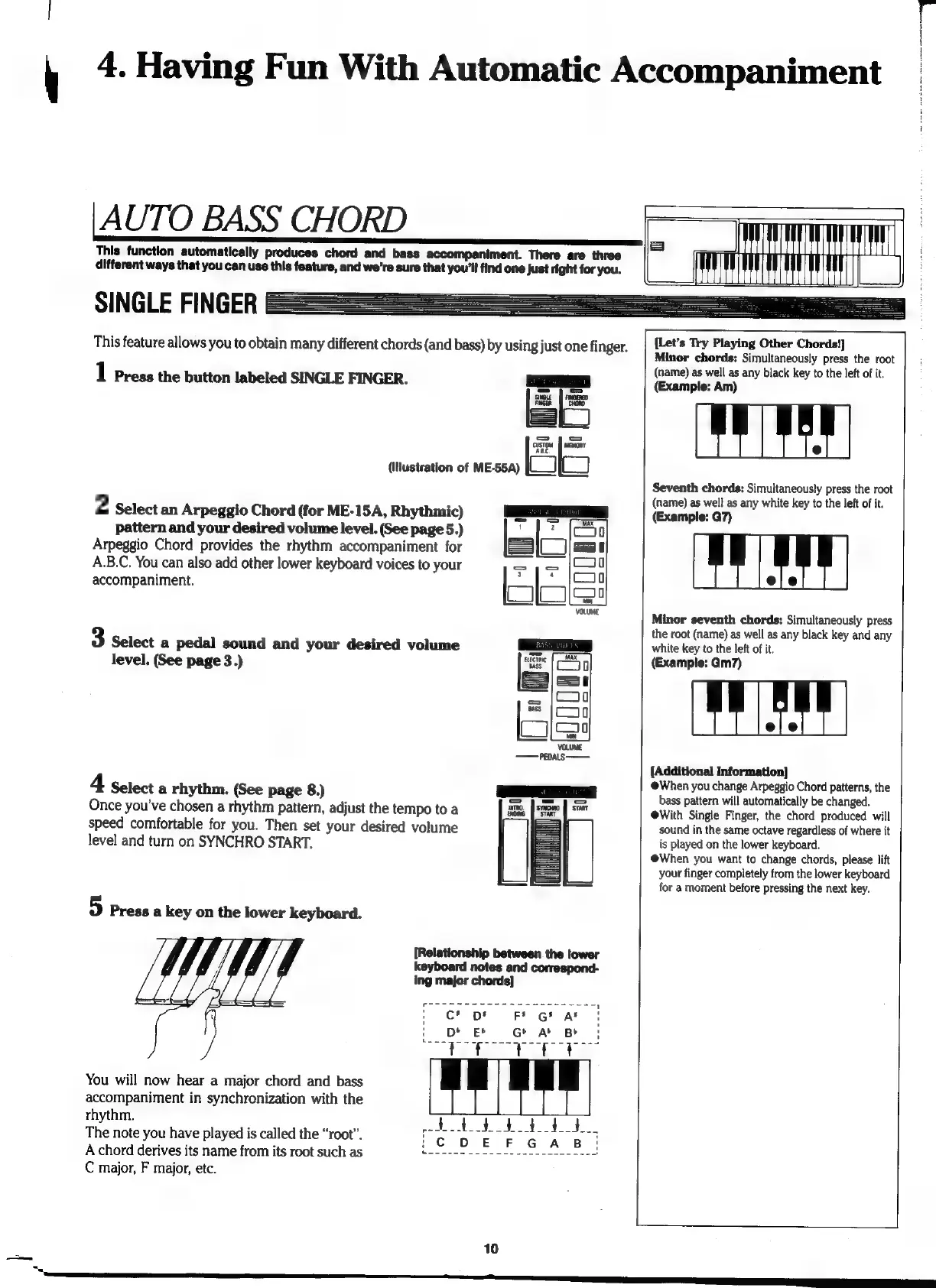
4.
Having
Fun
With
Automatic
Accompaniment
AUTO
BASS
CHORD
This
function
automatically
produces
chord
and
bass
accompaniment.
There
are
three
different
ways
that
you
can
use
this
feature,
and
we're
sure
that
you'll
find
one
Just
right
for
you.
SINGLE
FINGER
This
feature
allows
you
to
obtain
many
different
chords
(and
bass)
by
using
just
one
finger.
lel
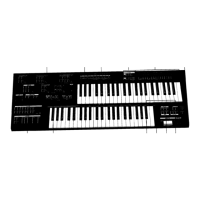
(Illustration
of
ME-55A)
2
Select
an
Arpeggio
Chord
(for
ME-15A,
Rhythmic)
pattern
and
your
desired
volume
level.
(See
page
5.)
Arpeggio
Chord
provides
the
rhythm
accompaniment
for
A.B.C.
You
can
also
add
other
lower
keyboard
voices
to
your
accompaniment.
1
Press
the
button
labeled
SINGLE
FINGER.
3
Select
a
pedal
sound
and
your
desired
volume
level.
(See
page
3.)
4
Select
a
rhythm.
(See
page
8.)
Once
you've
chosen
a
rhythm
pattern,
adjust
the
tempo
to
a
speed
comfortable
for
you.
Then
set
your
desired
volume
level
and
turn
on
SYNCHRO
START.
5
Press
a
key
on
the
lower
keyboard.
[Relationship
between
the
lower
keyboard
notes
and
correspond-
ing
major
chords]
You
wiil
now
hear
a
major
chord
and
bass
accompaniment
in
synchronization
with
the
rhythm.
The
note
you
have
played
is
called
the
“root”.
A
chord
derives
its
name
from
its
root
such
as
C
major,
F
major,
etc.
10
[Let's
Try
Playing
Other
Chords!]
Minor
chords:
Simultaneously
press
the
root
(name)
as
well
as
any
black
key
to
the
left
of
it.
(Example:
Am)
Seventh
chords:
Simuitaneously
press
the
root
(name)
as
well
as
any
white
key
to
the
left
of
it.
(Example:
G7)
Minor
seventh
chords:
Simultaneously
press
the
root
(name)
as
well
as
any
black
key
and
any
white
key
to
the
left
of
it.
(Example:
Gm7)
[Additional
Information]
When
you
change
Arpeggio
Chord
patterns,
the
bass
pattern
will
automatically
be
changed.
@With
Single
Finger,
the
chord
produced
will
sound
in
the
same
octave
regardless
of
where
it
is
played
on
the
lower
keyboard.
When
you
want
to
change
chords,
please
lift
your
finger
completely
from
the
lower
keyboard
for
a
moment
before
pressing
the
next
key.
dd

Table of Contents

Related product manuals