7
Menu Bar
The Menu Bar contains various editing and setup functions/commands. Click the desired menu
name to open the appropriate pull-down menu, and choose the function/command you wish to
apply. Those functions/commands which are unavailable are grayed out.
n
The most commonly-used menus in the Menu Bar are available as buttons in Voice Editor’s toolbar.
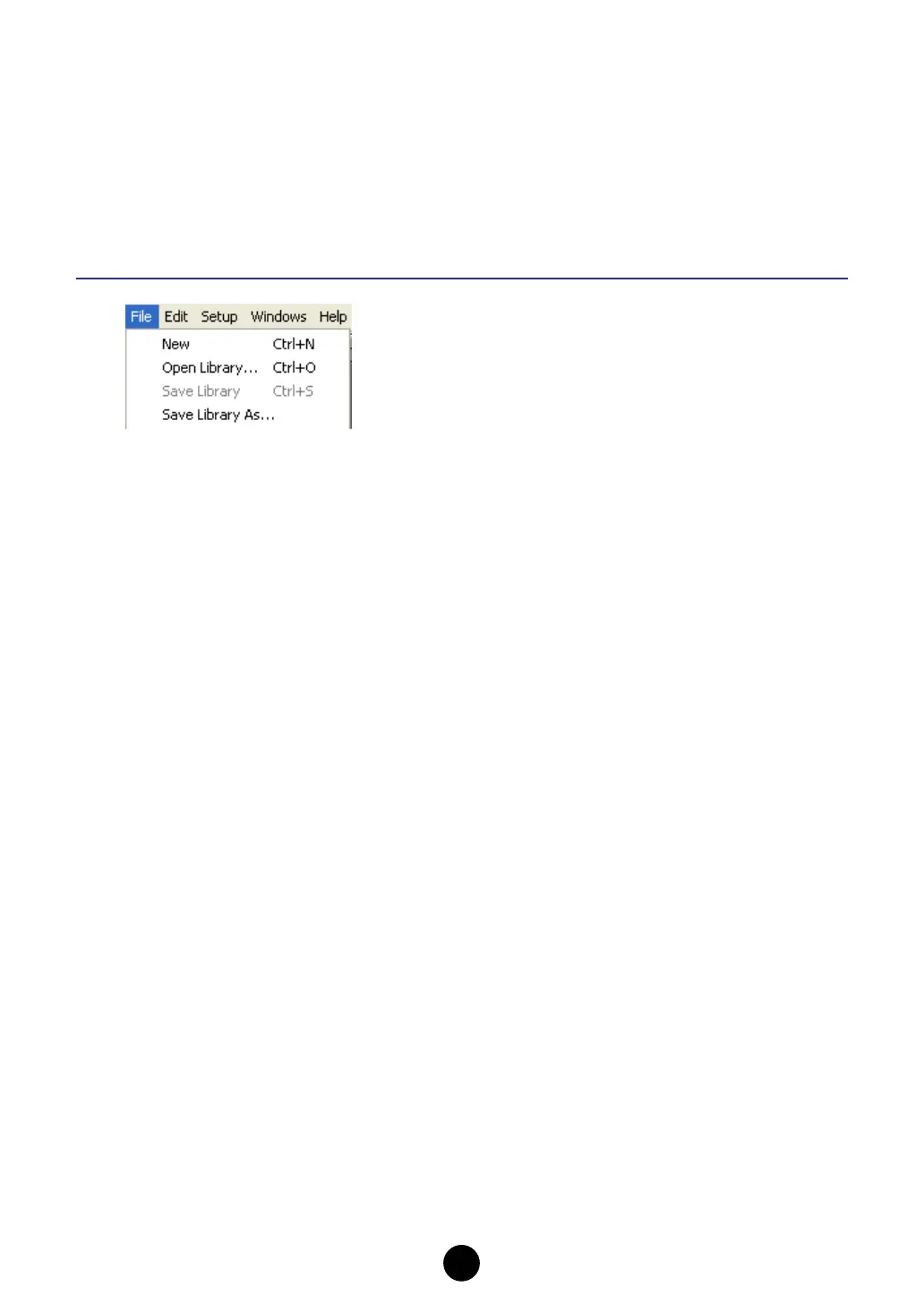
File
New
Creates and opens a new Library file.
Open Library...
This is the same as the “Open” button in the toolbar (page 12).
Save Library
This is the same as the “Save” button in the toolbar (page 13).
Save Library As...
Lets you save the Library file under a new or different name.



 To Next Page
 Loading...