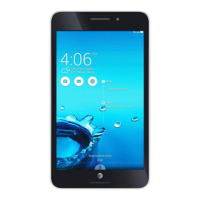
ASUS Tablet and ASUS Mobile Dock E-Manual
33
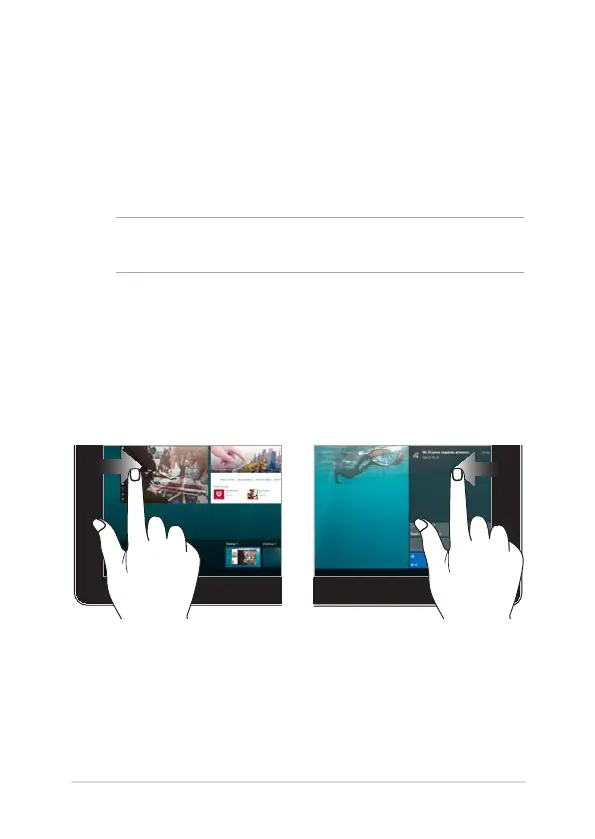
Left edge swipe Right edge swipe
Swipe from the left edge of the
screen to launch Task view.
Swipe from the right edge of the
screen to launch Action Center.
Gestures for the touch screen
panel and touchpad
Gestures allow you to launch programs and access the settings of
your ASUS Tablet. Refer to the following illustrations when using hand
gestures on your touch screen panel and touchpad.
NOTE: The following screenshots are for reference only. The touch screen
panel’s appearance may vary depending on model.
Using touch screen panel gestures
The gestures allow you to launch programs and access the settings of
your ASUS Tablet. The functions can be activated by using the hand
gestures on your ASUS Tablet’s touch screen panel.


 To Next Page
 Loading...