60
ASUS Tablet and ASUS Mobile Dock E-Manual
Turning your ASUS Tablet off
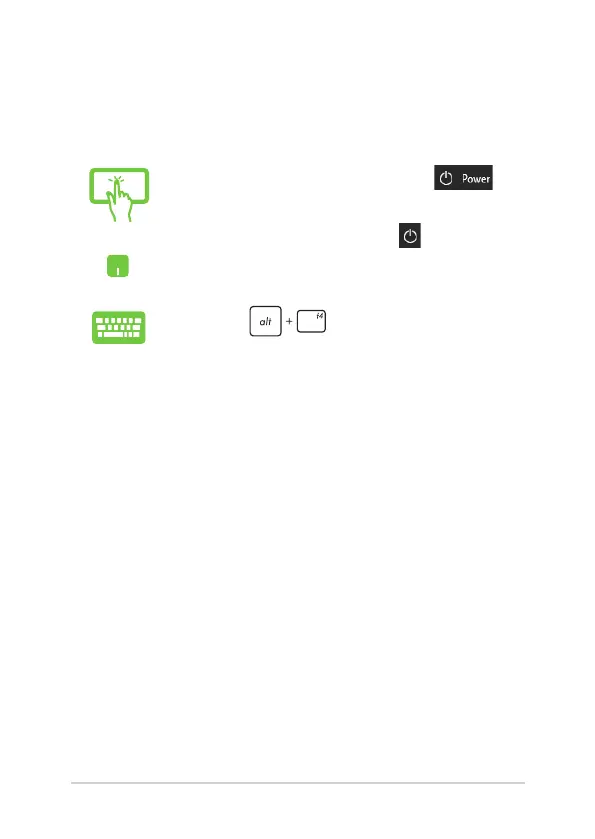
You can turn o your ASUS Tablet by doing either of the following
procedures:
or
• LaunchtheStartmenu,thenselect >
Shut down to do a normal shutdown.
• Fromthelog-inscreen,select > Shut down.
• Press to launch Shut down
Windows. Select Shut down from the drop-down
list then select OK.
• IfyourASUSTabletisunresponsive,pressand
hold the power button for at least four (4)
seconds until your ASUS Tablet turns o.


 To Next Page
 Loading...