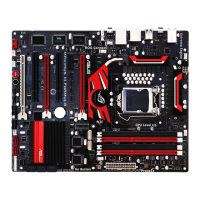
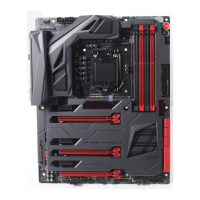
ROG Blitz Formula
2-29
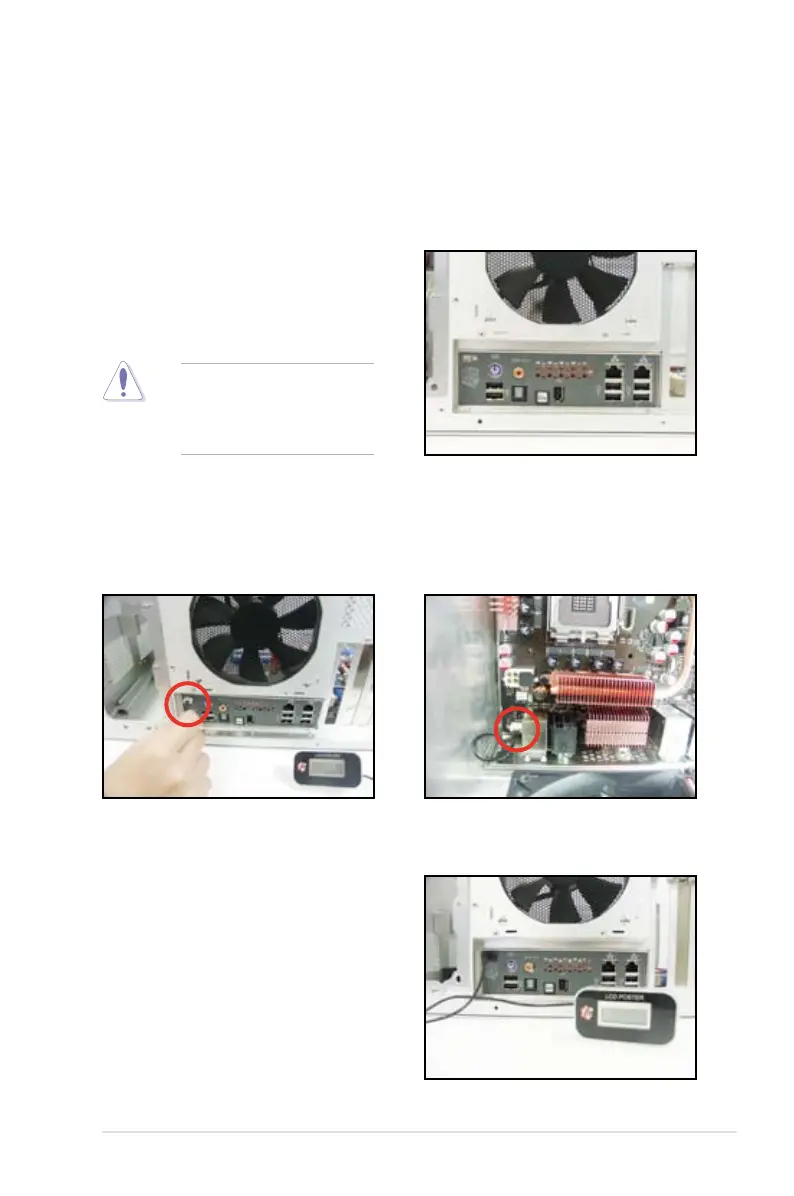
2. Position the motherboard
I/O side toward the chassis
rear panel and install the
motherboard to the chassis.
3. Thread the LCD Poster cable
through the opening until its
stopper snaps into place.
4. Plug the LCD Poster cable into
the onboard connector labeled
LCD_CON.
5. This photo shows the LCD
Poster installed. Place the
device wherever you can
monitor the screen.
1. Install the I/O shield to the chassis rear panel. Orient the I/O shield so that
the openings of the ports t the motherboard rear ports. Snaps the I/O shield
into place.
2.7.2 I/O shield and LCD Poster Installation
Be cautious when installing
the I/O shield. The I/O shield
edge springs may damage
the I/O ports.


 To Next Page
 Loading...