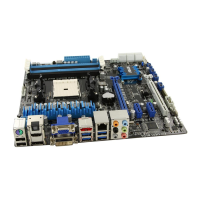
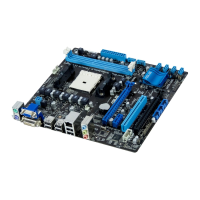
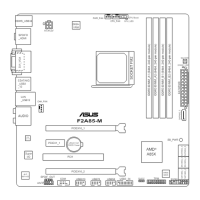
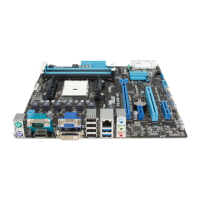
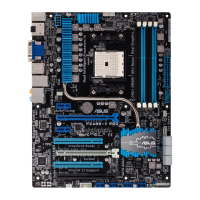
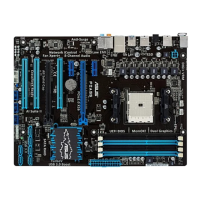
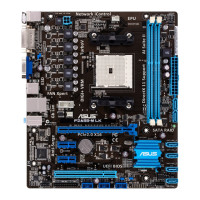
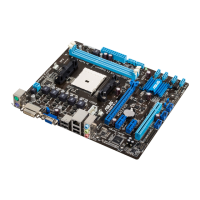
ASUS F2A85-M PRO
4-43
Chapter 4
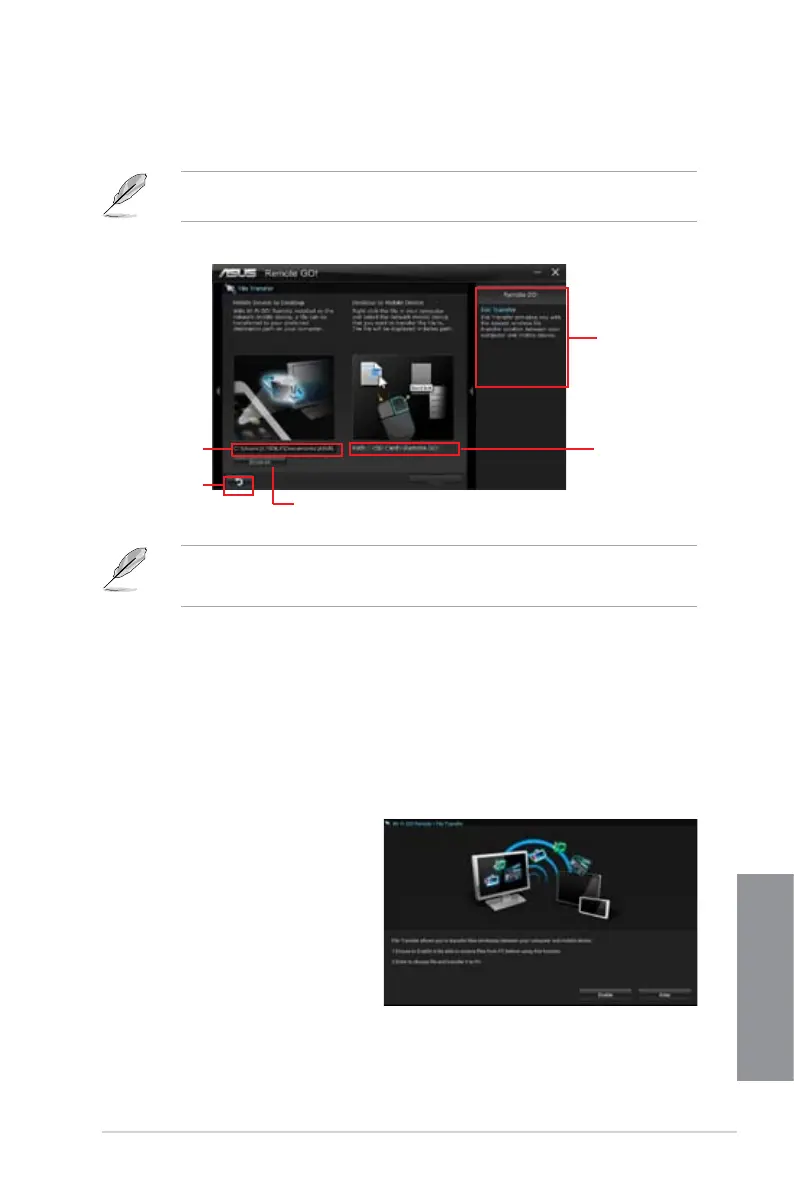
File Transfer
Allows you to transfer les wirelessly between your computer and mobile device.
Before using File Transfer, ensure that your computer is connected to your mobile device.
For more details, refer to the section Wi-Fi GO! Remote.
• Android mobile devices can send and receive les.
• iOS mobile devices can only send les.
Using File Transfer
1. Right-click the le and click Send to > [Device name].
2. After the transfer is complete, click
OK.
Using File Transfer via W-Fi GO! Remote
1. On your mobile device, tap File
Transfer.
2. Tap
Enable to receive les from
PC.
3. Tap
Enter to send les to PC.
Click to go
back to main
menu
Click to select a destination path for
your le transfer
Application help
Destination path for
the les transferred
from mobile device
to desktop
Destination
path for the les
transferred from
desktop to mobile
device


 To Next Page
 Loading...