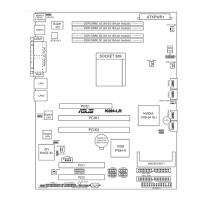
ASUS K8N-LR 2-7
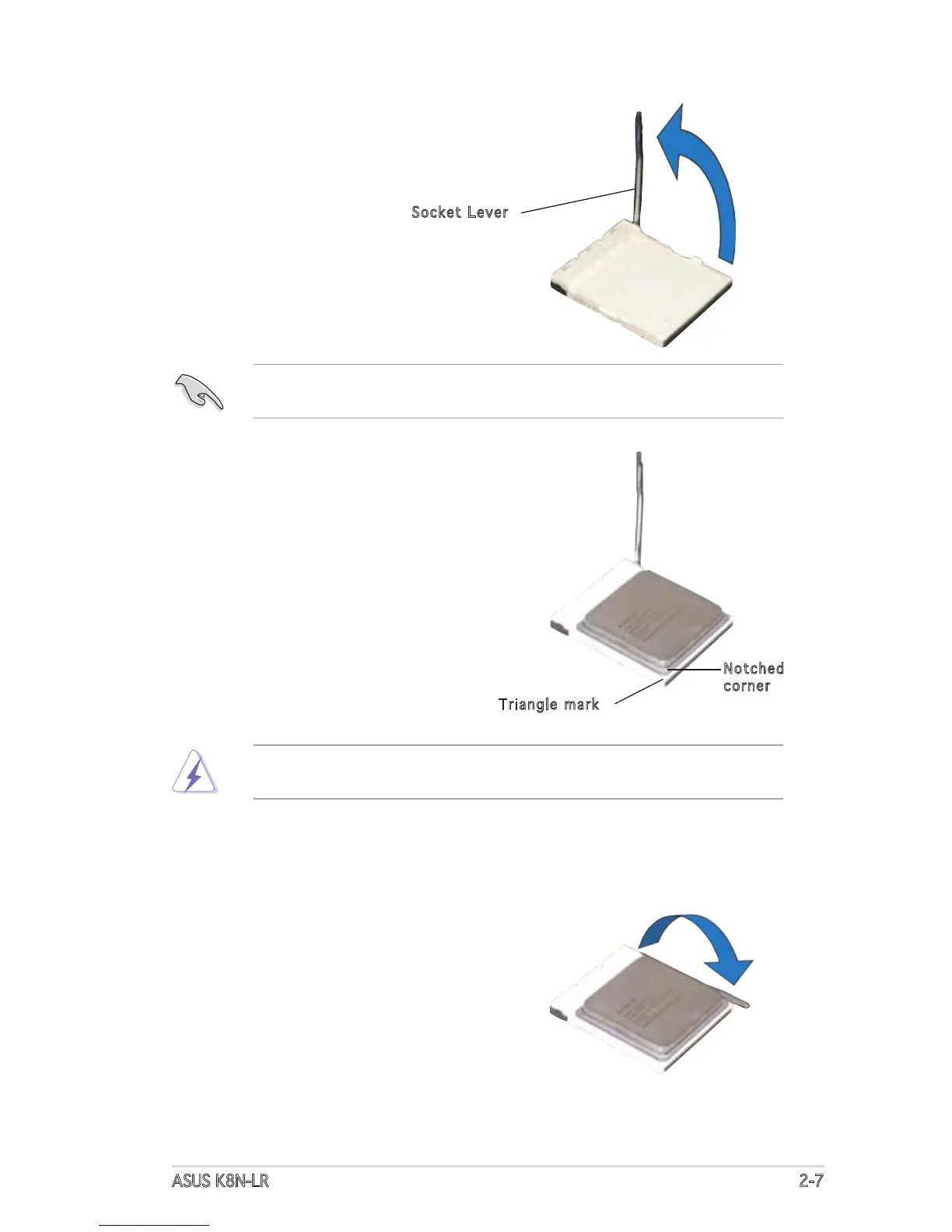
3. Position the CPU above the
socket such that the notched
corner matches the socket
corner with a triangle mark.
4. Carefully insert the CPU into the
socket until it fits in place.
2. Unlock the socket by pressing the
lever sideways, then lift it up to a
90°-100° angle.
5. When the CPU is in place, push
down the socket lever to secure
the CPU. The lever clicks on the
side tab to indicate that it is
locked.
Notched
corner
Triangle mark
Socket Lever
Make sure that the socket lever is lifted up to 90°-100° angle, otherwise
the CPU does not fit in completely.
The CPU fits only in one correct orientation. DO NOT force the CPU into
the socket to prevent bending the pins and damaging the CPU!


 To Next Page
 Loading...