13
Chapter 2: Setting up the hardware RT-N10E
2
Getting started
Setting up the wireless router
The ASUS Wireless Router includes a web graphics user interface (web GUI)
that allows you to congure the wireless router using your web browser on your
computer.
Note: For details on conguring your wireless router using the web GUI, refer to Chapter 4:
Conguring via the web GUI.
Using the Quick Internet Setup (QIS)
Using QIS with auto-detection
The Quick Internet Setup (QIS) function guides you in quickly setting up your
Internet connection.
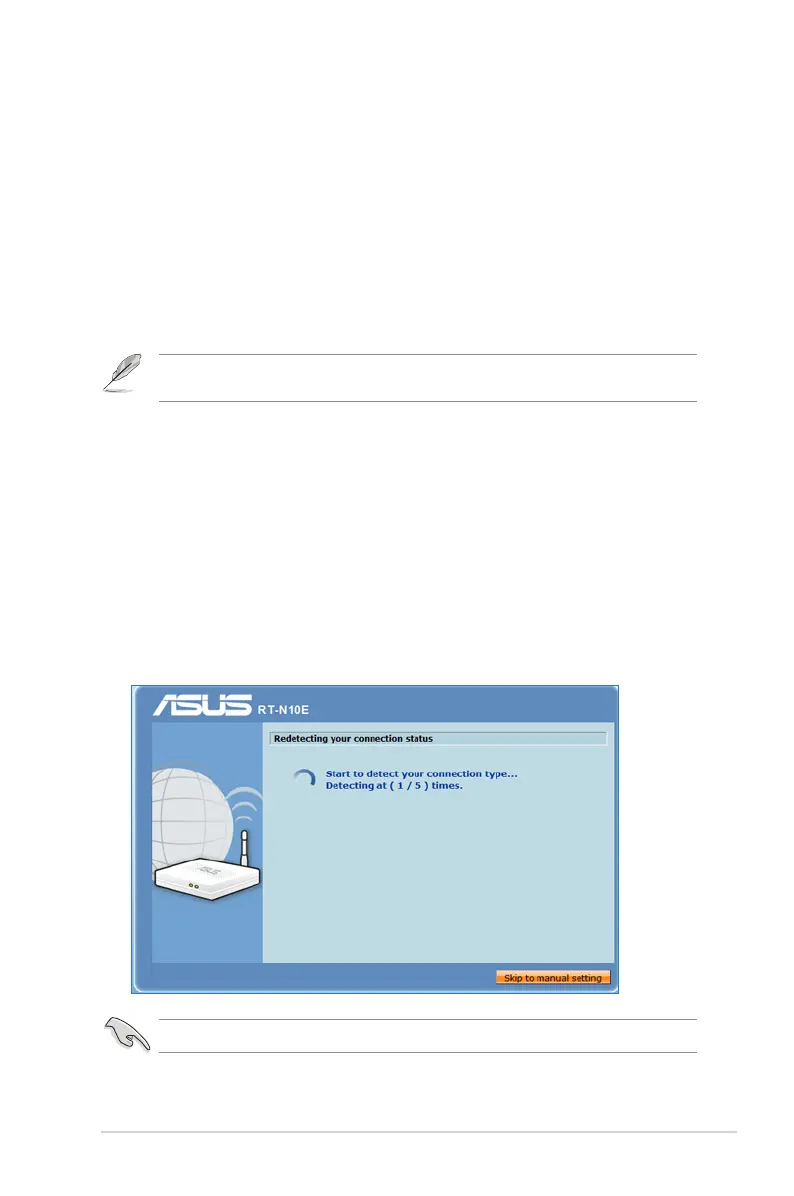
To use QIS with auto-detection:
1. Launch a web browser. The wireless router automatically detects if your ISP
connection type is Dynamic IP, PPPoE, PPTP, L2TP, and Static IP. Key in the
necessary information for your ISP connection type.
Important: Obtain the necessary information about your Internet connection type from your ISP.



 To Next Page
 Loading...










