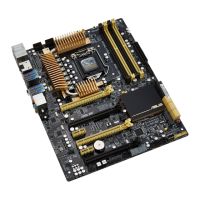
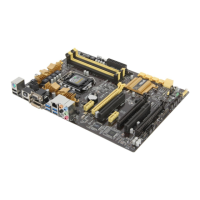
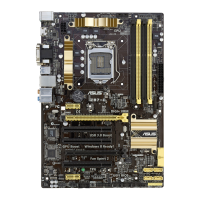
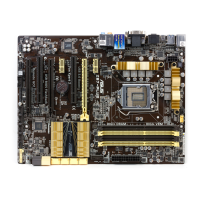
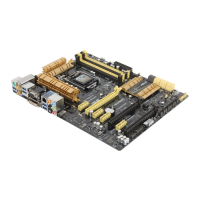
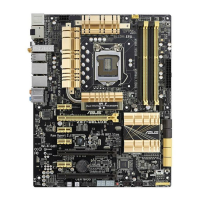
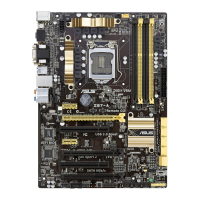
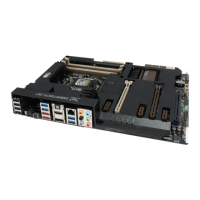
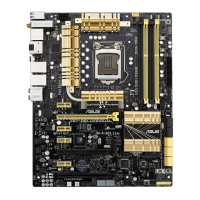
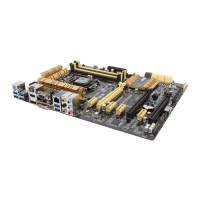
ASUS Z87-WS
1-15
Chapter 1
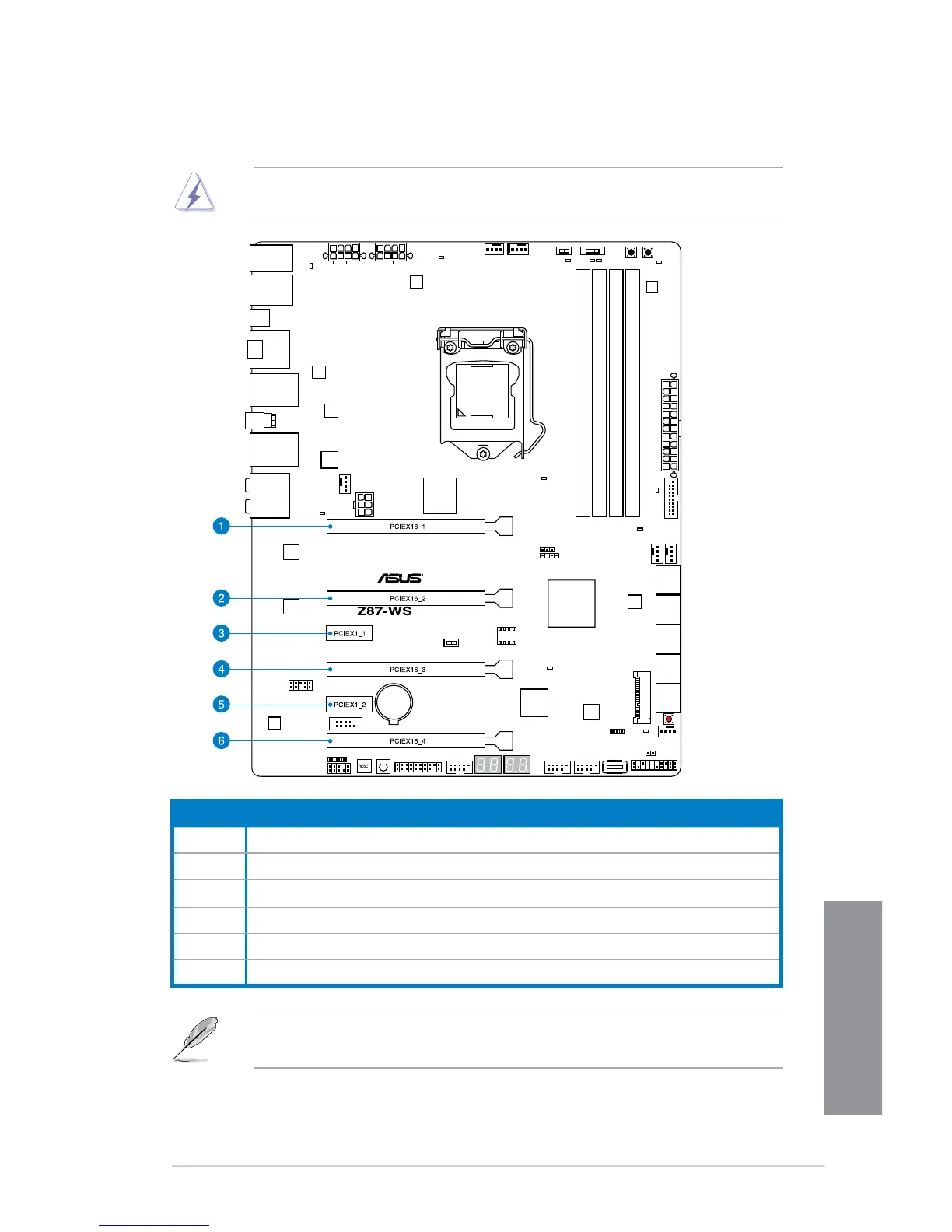
1.2.5 Expansion slots
Unplug the power cord before adding or removing expansion cards. Failure to do so may
cause you physical injury and damage motherboard components.
Slot No. Slot Description
1 PCIe 3.0/2.0 x16_1 slot (single at x16 or dual at x8/x8 mode)
2 PCIe 3.0/2.0 x16_2 slot (at x8 mode)
3 PCIe 2.0 x1_1 slot
4 PCIe 3.0/2.0 x16_3 slot (single at x16 or dual at x8/x8 mode)
5 PCIe 2.0 x1_2 slot
6 PCIe 3.0/2.0 x16_4 slot (at x8 mode)
PCIE x16_1 auto switches to x8 when slot PCIE x16_2 is occupied; PCIE x16_2 auto
switches to x4 when slot PCIE x16_4 is occupied.


 To Next Page
 Loading...