17
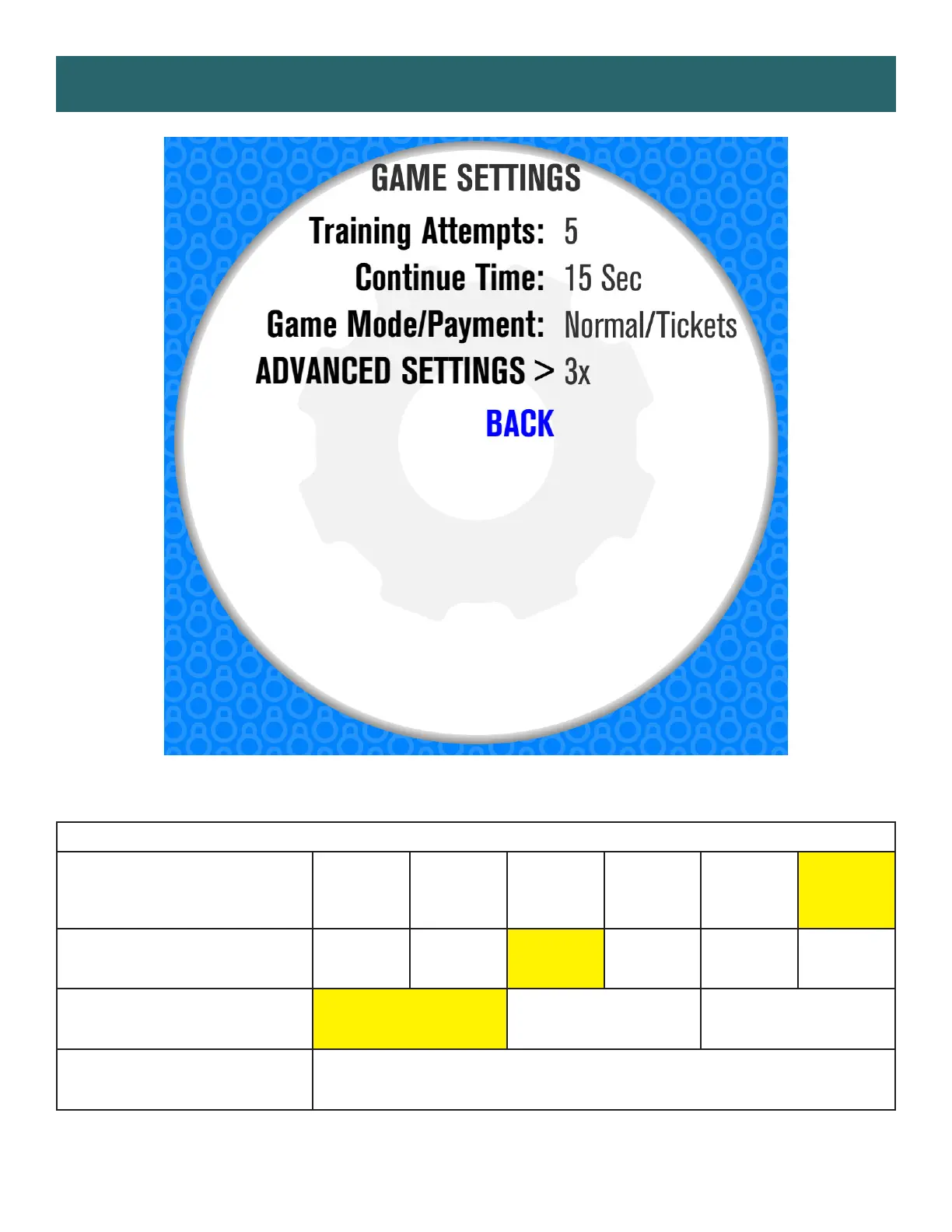
GAME SETTINGS MENU
GAME SETTINGS OPTIONS
TRAINING ATTEMPTS
Number of times game allows for player
to continue playing until a successful hit
is made
0 1 2 3 4 5
CONTINUE TIME
Amount of seconds allowed for a player
to insert credits & continue play
5s 10s 15s 20s 25s 30s
GAME MODE/PAYMENT NORMAL/TICKETS
ENTERTAINMENT
ONLY/POINTS
DEMO
ADVANCED SETTINGS
Push MENU SELECT button 3 times to be taken into the sub-menu of
advanced settings (found on page 16 of the manual)
Factory defaults are highlighted below.


 To Next Page
 Loading...